MetaBird-v1-03/15/20 Page 21 on 30
the arrow direction until you feel a “click”. Mind your
fingers position as shown on the picture. (hold the tail
always close to the base, which is robust).
2 – Once in position, rotate the tail up to a vertical
position, then 3 – slide your forefinger down at
maximum to press it backward into the final position.
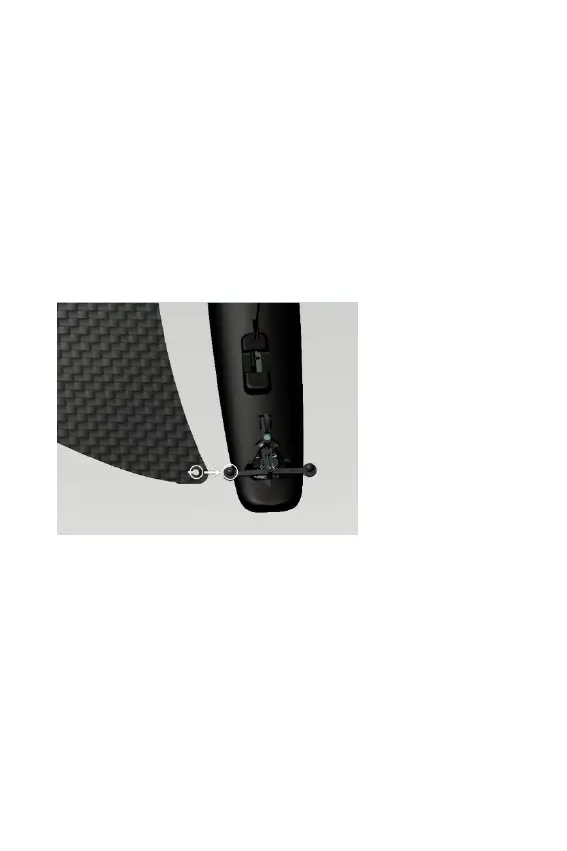
2/ WINGS
Select the right wing for the right side and the left wing
for the left side (the upper side of the wing is the one
printed).
1 – At rear, snap
the back of the
wing on the
round knob of
the steering
mechanism.



 To Next Page