MetaBird-v1-03/15/20 Page 5 on 30
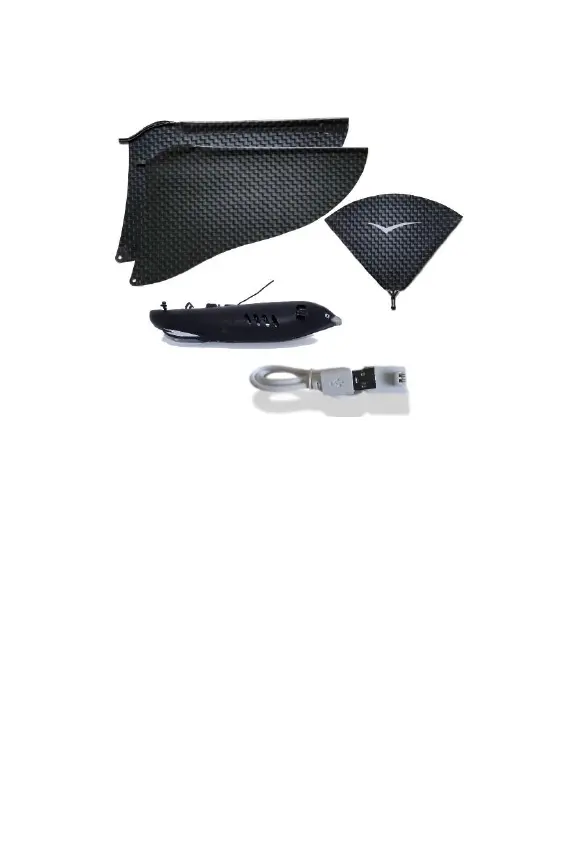
I – UNPACKING YOUR METABIRD
Check your product is complete as described above.
II – INSTALLING THE APPLICATION ON
YOUR SMARTPHONE
Visit the app store using your smartphone and search for
“Bionic Bird”. Then, install “The Flying App” on your
device. Allow all the accesses the app requires,
especially the Bluetooth control.
NB: For optimal and safe use, disable your Wi-Fi and call
reception, and adjust your power saving options to
restrict your phone from sleeping to ensure The Flying
App isn’t interrupted during your flight!
The language used by the app is automatically adjusted
to the language of your OS. French/English (for all other
languages).



 To Next Page