USER MANUAL
17
BirdOne
AFTER YOU RIDE
Once you’re done riding, you can park and lock
your Bird. This will lock the wheels and turn
off the lights. If your Bird is left locked, it is still
powered on and will deplete the battery, so we
recommend charging it once you’ve completed
your last trip.
After you ride, be sure to charge your Bird via
the Charger Port to ensure it’s always ready to
ride when you need it.
Keep in mind that powering on the Bird again
will require a Bluetooth and Wi-Fi connection.
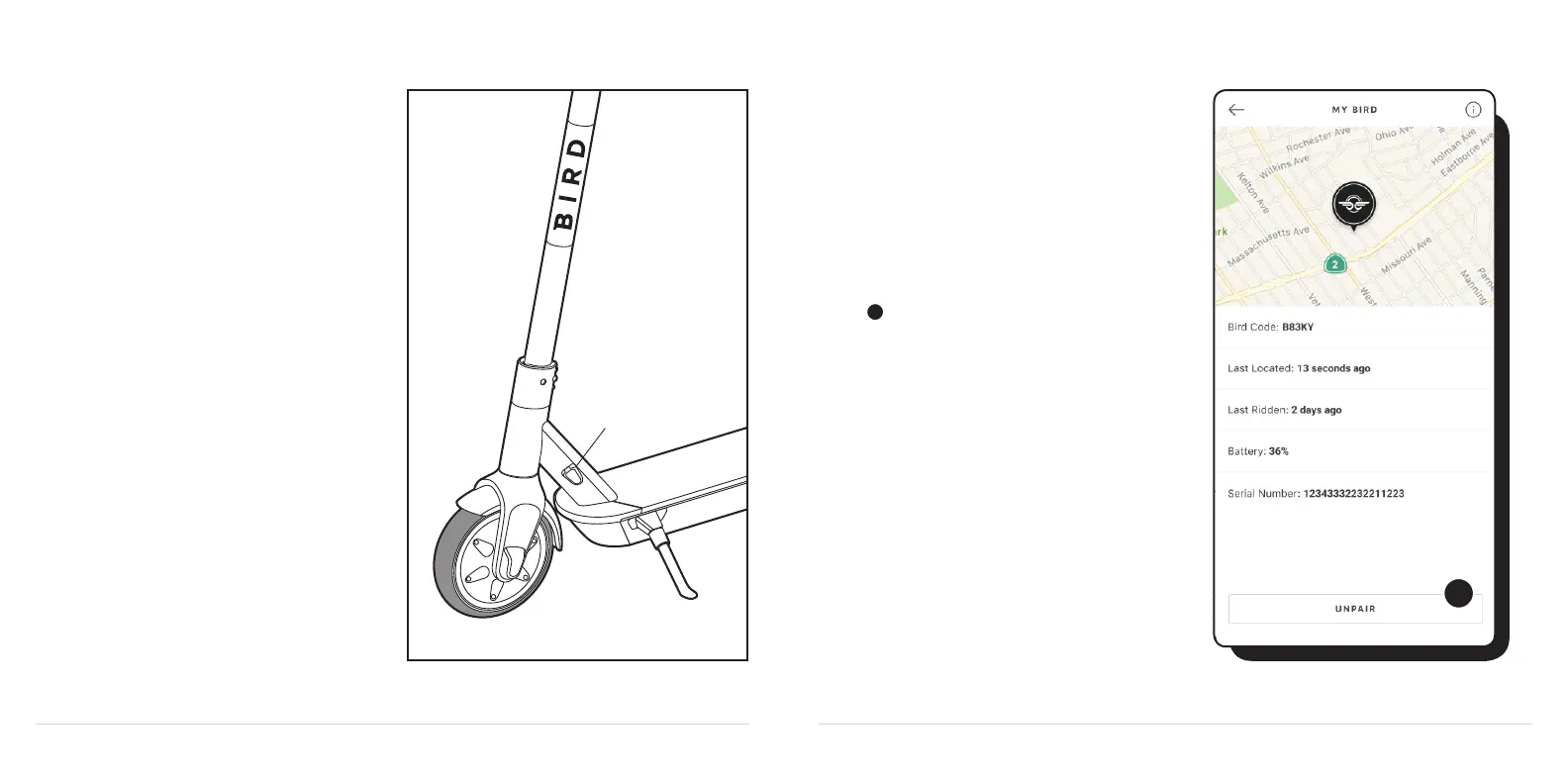
UNPAIRING YOUR BIRD
You can also Unpair your Bird with the Bird app.
This option makes it easy to transfer ownership
to someone else, either temporarily or if you sell
your Bird.
To unpair your Bird One, open the App Menu in
the top left of the app and select My Bird from
the menu. In the My Bird screen tap the
Unpair button.
After you Unpair, your account will no longer be
associated with the Bird. To connect it, you’ll
need to Pair it again.
CHARGE PORT
1
1



 To Next Page