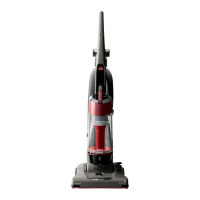
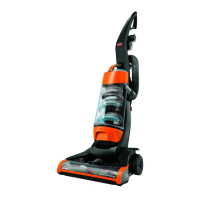
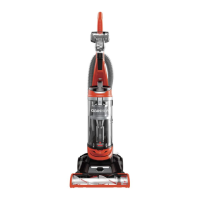
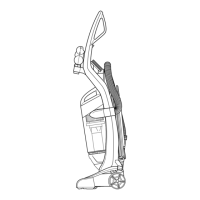
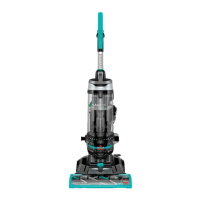
Use only BISSELL Replacement Filters in your BISSELL Cleanview. Upper Tank Filter 203-1085
1. Unplug the cleaner from electrical outlet.
2. The Upper Tank Filter can be reached by removing the Dirt Container, reaching underneath the
Upper Tank and turning the rim of the Filter Frame to unlock. Pull straight down to remove. Brush
the dirt off the Louvers and Upper Tank Filter.
3. The foam Upper Tank Filter may be removed and hand washed in cold water with mild detergent.
Rinse well then air dry thoroughly before replacing.
4. The Upper Tank and Louvers may also be wiped clean with a damp cloth.
Note: For easier access, the entire Upper Tank may be removed by turning the knob on the back
of the cleaner to unlock and pulling the entire tank straight out.
Cleaning The Pre-Motor and Post-Motor Filters
Use only BISSELL Replacement Filters in your BISSELL CleanView.
Pre-Motor Filter ______________________203-1073
Post-Motor Filter _____________________203-1009
HEPA Media Post-Motor Filter __________ 3207C (Select Models Only)
WARNING:
Do Not operate cleaner with damp or wet filters or without all filters in place.
1. Unplug the cleaner from electrical outlet.
2. The Pre-Motor Filter protects the motor from dirt particles. It is located in the slide out tray
underneath the Dirt Container. If the filter becomes dirty, pull out the tray, lift out the filter and
clean.



 To Next Page
 Loading...