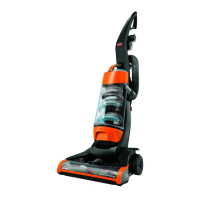
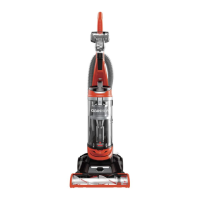
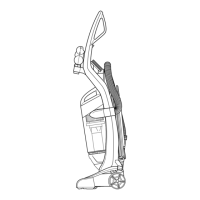
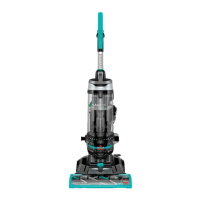
3. The Post-Motor Filter assists in the filtration process to return clean air to the room. It is located
behind the door on the side of the cleaner. If the filter becomes dirty, open the door, remove the
filter and clean.
Note: Select Models come with a white, pleated HEPA Media Filter. This filter is not washable and
must be replaced.
The standard filters may be hand washed in cold water with mild detergent. Rinse well and air dry
thoroughly before replacing.
WARNING:
Toreduce the risk of injury from moving parts, turn off vacuum cleaner and disconnect Power Plug
from electrical outlet.
Check Rotating Floor Brush and Drive Belt
You should check your vacuum cleaner’s Rotating Floor Brush and Drive Belt regularly for wear or
damage. You should also clean the brush and brush ends of strings, hair, and carpet fibres. These can
wrap around the brush and hamper its ability to effectively clean your carpet. Also remove any debris
that has accumulated under the brush cover.
1. Unplug cleaner from electrical outlet.
2. Place handle in Low position and turn vacuum cleaner over so bottom side is up.
3. Remove the four screws as shown with a Phillips head screwdriver. Lift the Brush Cover off.
Note: The Power Trak models have an additional screw which needs to be removed. See the 2nd
illustration.
4. Grasp Rotating Floor Brush at both ends and lift.
5. Clean strings, hair and other debris from Rotating Floor Brush, paying particular attention to brush
ends.
6. Clean strings, hair and other debris from Motor Pulley and Drive Belt areas.
7. Check Drive Belt carefully for wear, cuts or stressed areas.
8. Check Air Passageway for obstructions. Remove debris from this area.



 To Next Page
 Loading...