Replace Drive Belt
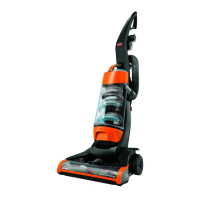
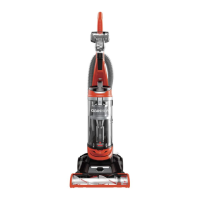
Use only BISSELL Style 7 Replacement Belts (#32074) in your BISSELL CleanView.
1. Unplug cleaner from electrical outlet.
2. With Rotating Floor Brush removed from vacuum cleaner (Steps 1-4 of check Rotating Floor Brush
and Drive Belt), grasp old Drive Belt and remove from Motor Pulley. Discard old Drive Belt.
3. Place new Drive Belt over Motor Pulley and stretch other end over Rotating Floor Brush in the
space between the bristles.
4. Place ends of Rotating Floor Brush down into slots on sides as shown.
5. Turn Rotating Floor Brush by hand several times in the direction of Motor Pulley. If properly
installed, Drive Belt will centre itself on Rotating Brush crown.
6. Reposition Brush Cover and screws. Tighten screws securely.
Replace Lightbulb
Use only BISSELL Replacement Bulb (#203-1007) in your BISSELL CleanView.



 To Next Page
 Loading...