WARNING:
To reduce the risk of injury from moving parts and/ or electrical shock, turn Power Switch OFF and
disconnect polarized plug from electrical outlet before performing troubleshooting checks.
If suggested solutions do not correct the problem, call:
BISSELL Customer Service 1-800-263-2535
Monday – Friday 8 a.m. — 10 p.m. ET
Saturday 9 a.m. — 8 p.m. ET
or visit the BISSELL website – www.bissell.com
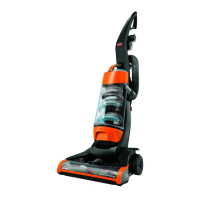
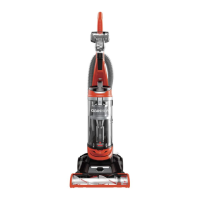
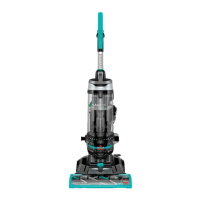
Replacement Parts – BISSELL CleanView ® Series
You may purchase replacement parts from your retailer, by using the order form in this User’s Guide,
by calling BISSELL Customer Service or by visiting our website. To locate a retailer near you, or to
place an order using Visa or MasterCard, call



 To Next Page
 Loading...