Note:
The Floor Brush will continue to rotate while you use your vacuum for above floor cleaning. To prevent
carpet damage, do not lean on the vacuum or let the Powerfoot tilt forward.
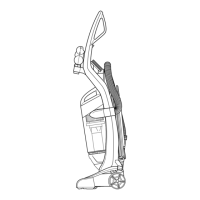
1. Raise Handle to Upright Position.
2. Grasp the Quick Reach Handle and lift Hose Wand to separate from suction intake opening.
3. Attach tools by firmly pushing onto Vacuum Hose or Extension Wand.
Dusting Brush Tool:
Use to dust furniture, blinds, books, lamps, shelves, draperies, cushions.
Crevice Tool:
Use in tight narrow spaces.
Extension Wand:
Use with desired attachment for a longer reach.
CAUTION:
The Rotating Floor Brush continues to rotate while tools are in use. To reduce the risk of injury from
moving parts, always move the cleaner with the Carrying Handle at the back of the cleaner. Always
place vacuum cleaner on floor with Handle in Upright position when using tools. Never place your
fingers under the cleaner when it is running. Never place Powerfoot on furniture or uneven surfaces.
Do not place vacuum cleaner close enough to objects to pull them into rotating brush.
Tip:
Hair, string and small objects can block the Vacuum Hose or Tools. Check them occasionally for
obstructions.
Power Cord Storage
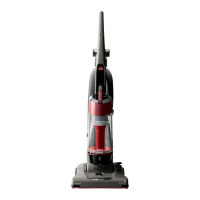
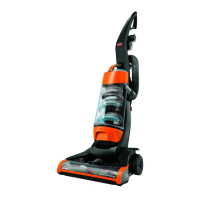
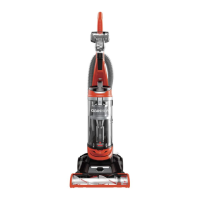
When you are done using your BISSELL CleanView, return it to the Upright position and store the
Power Cord.
1. Turn vacuum cleaner off.
2. Unplug Power Cord by grasping the polarized plug (NOT the cord) and disconnect from outlet.
3. Loop Power Cord around Cord Wraps on side of vacuum cleaner.



 To Next Page
 Loading...