www.BISSELL.com
5
Transporting Unit
Place unit in upright position and tip back to
roll on rear wheels.
Asmbly
Operatis
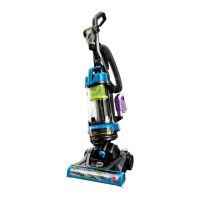
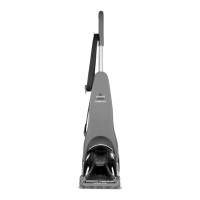
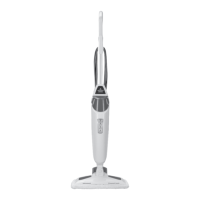
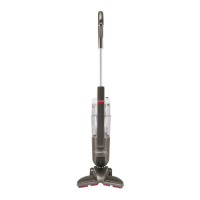
The PowerEdge is shipped in three pieces:
Upper Handle, Body and Foot.
No tools are required for assembly.
1. Slide Upper Handle into Body and push in
firmly until handle locks into place.
2. Slide Foot onto Body of unit until Foot
locks into place.
3. Wrap Power Cord on back of unit.
1.
1.
4.
2.
2.
3.
Power
Switch
Power Switch
The Power Switch is located on the top of the
body of unit.
Push switch ON (l) to vacuum and OFF (O)
when cleaning is complete.
How to Use Your Hard Floor Vacuum
1. Turn Quick Release Cord Wrap to remove
power cord; plug into electrical outlet.
2. Lightly press the foot of the vacuum and pull
handle back to recline.
3. Turn Power Switch to ON (I) position.
4. Clean your hard floors, under cabinets, and
easily maneuver around furniture.
To clean along edges, align the end
suction points along the areas you want to
clean.
5. When finished cleaning, turn Power Switch
to OFF (O) position.
6. To store the unit, return handle to upright
position.


 To Next Page
 Loading...