4. Connection
Connect one computer-related device into each of the power receptacles
supplied on the back of the UPS.
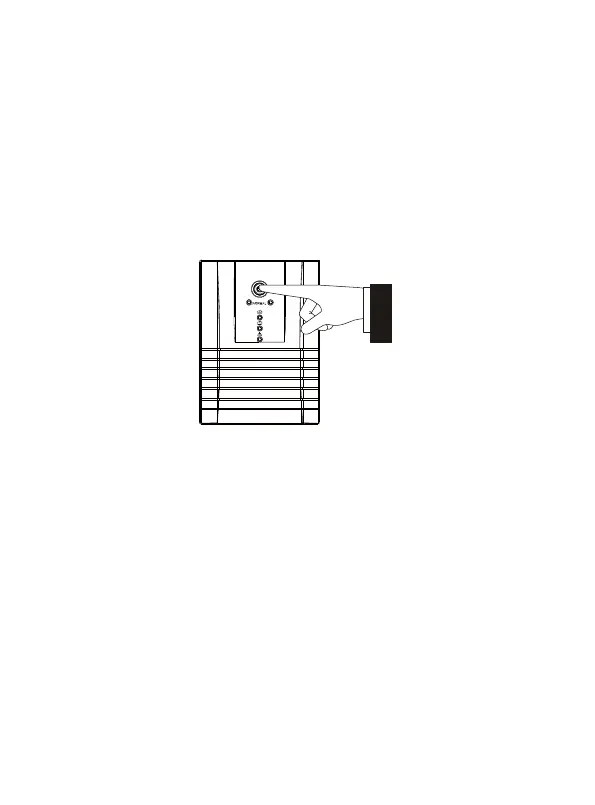
5. Turn On/Off
To turn on the UPS unit, press the power switch lightly. To turn off the
UPS unit, press the power switch again.
6. Communication with computer
Use a USB cable to connect the UPS with the PC and it will be auto
detected.


 To Next Page