Page 11
ENGLISH
SET UP & USE
Page 11
Fig. 9
POWER
TIMER
0.5 1 2 4
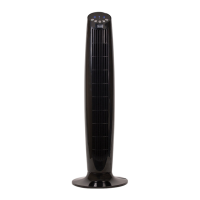
CONTROL PANEL (Fig. 9)
ON/SPEED/OFF
The key serves two purposes. To turn fan ON and OFF and to set desired speed.
Press key to turn fan ON and you are at LOW speed. Press again and it will move to
MEDIUM speed. Press again and it will move to HIGH speed. Press again and the fan
will turn OFF. Speed settings are conrmed by LED indicator light.
TIMER
When this button is pressed the auto shut-off timer can be set up to 7.5 hours.
Continuing to press will allow you to scroll though the different time selections of
.5, 1, 2 & 4. indicated on the control panel by illuminated LED lights. If no lights are
illuminated the fan will run continuously.
OSCILLATION CONTROL
To make the fan oscillate, press down the oscillation control knob located on the top
of the motor housing. To resume directional airow, pull the oscillation control knob
up to its initial position.
TILT ADJUSTING
To adjust the air ow upward or downward, push the grill section lightly to the
desired direction.
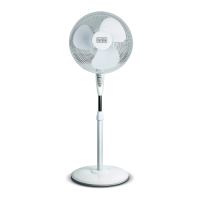
HEIGHT ADJUSTING
The height of the fan can be adjusted by loosening the height adjustment ring.
Carefully raise or lower to desired height and re-tighten the height adjustment ring.


 To Next Page
 Loading...