724-746-5500 | blackbox.com
Page 6
PCI-E Network Adapter Quick Installation Guide
To download the latest software drivers or this quick installation guide from
the Web site:
1. Go to www.blackbox.com
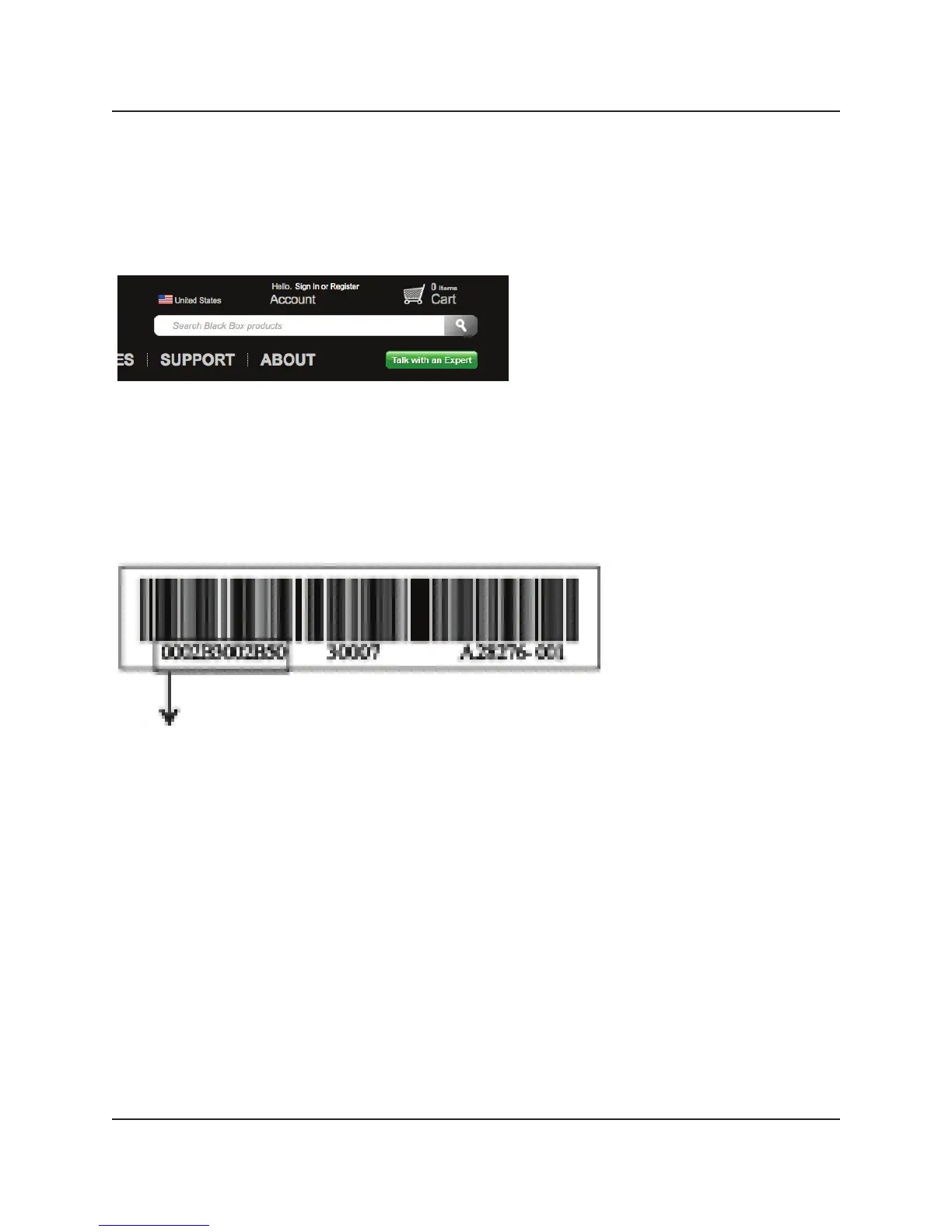
2. Enter LH3000 or LH3001 in the search box:
3. Click on the “Resources” tab on the product page, and select the drivers and/or
documents you wish to download.
Ethernet Address
The Port A Ethernet address is printed on the bar code label on the adapter. Add
one hexadecimal to this value to obtain the next port address. For example, Port B
would be 0002B3002B51, Port C would be 0002B3002B52, and Port D would be
0002B3002B53.



 To Next Page