FactoryDefault
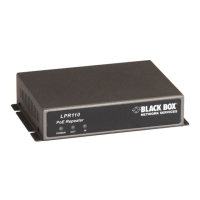
• ToFactoryDefault theWAP‐300BGNorWRT‐300BGN,
Poweronandwaitforunittofinishbootingup.
ThenPress&HoldtheReset/WPSbutton onthebackofthe
unitfor~12seconds (untilthePOWERLED startsBLINKING
Fast)thenReleasethe Reset/WPSbutton.Unitwillresetand
nowbeatfactorydefault.
Note: IfthePowerLEDdoesnotstartblinking fast,disconnect
allEthernetcablesandrepeatprocess.


 To Next Page