64
Set the font
1. In the handheld options, click Screen/
Keyboard.
2. Set the Font Family, Font Size, and Font Style
fields.
3. For large fonts, set the Antialias mode field.
4. Click the trackwheel.
5. Click Save.
Note:
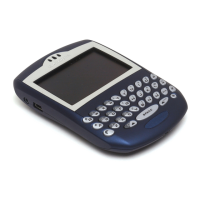
Setting a specific font family is only available for
BlackBerry Wireless Handhelds with color screens.


 To Next Page