TAMPER-RESISTANT SCREW
Warning: This appliance is equipped with a tamper-resistant screw to prevent removal of the outer cover. To
reduce the risk of fire or electric shock, do not attempt to remove the outer cover. There are no user-
serviceable parts inside. Repair should be done only by authorized service personnel.
ELECTRICAL CORD
a) A short power-supply cord is provided to reduce the risks resulting from becoming entangled in or tripping over a
longer cord.
b) Extension cords are available and may be used if care is exercised in their use.
c) If an extension cord is used:
1) The marked electrical rating of the extension cord should be at least as great as the electrical rating of the
appliance;
2) If the appliance is of the grounded type, the extension cord should be a grounding-type 3-wire cord; and
3) The cord should be arranged so that it will not drape over the counter top or tabletop where it can be pulled on by
children or tripped over.
Note: If the power cord is damaged, please contact the warranty department listed in these instructions.
HOW TO USE
This product is for household use only.
GETTING STARTED
Remove all packing materials, any stickers, and the plastic band on the power plug.
Remove and save literature.
Go to www.prodprotect.com/blackanddecker to register your warranty.
Wash professional-style wire beaters, dough hooks and whisk as instructed in CARE AND CLEANING section
of this manual.
1. Be sure mixer is off ( Ο ) and unplugged before inserting or removing attachments.
To insert wire beaters and dough hooks: Match beater or hook with the collar near its stem end to the
illustration located near the opening (A). Push in beater or hook, rotating slightly if necessary, until it locks into
place.Insert other beater into the second hole, also rotating it if necessary, until it locks into place.
To insert whisk: The whisk attachment can be inserted into either opening of the mixer. Gently push the whisk,
rotating it slightly if necessary, until it locks into place.
2. Plug cord into an outlet.
3. Place ingredients to be mixed in a bowl. Holding the mixer by the handle, insert beaters, hooks or whisk into
center of food in bowl.
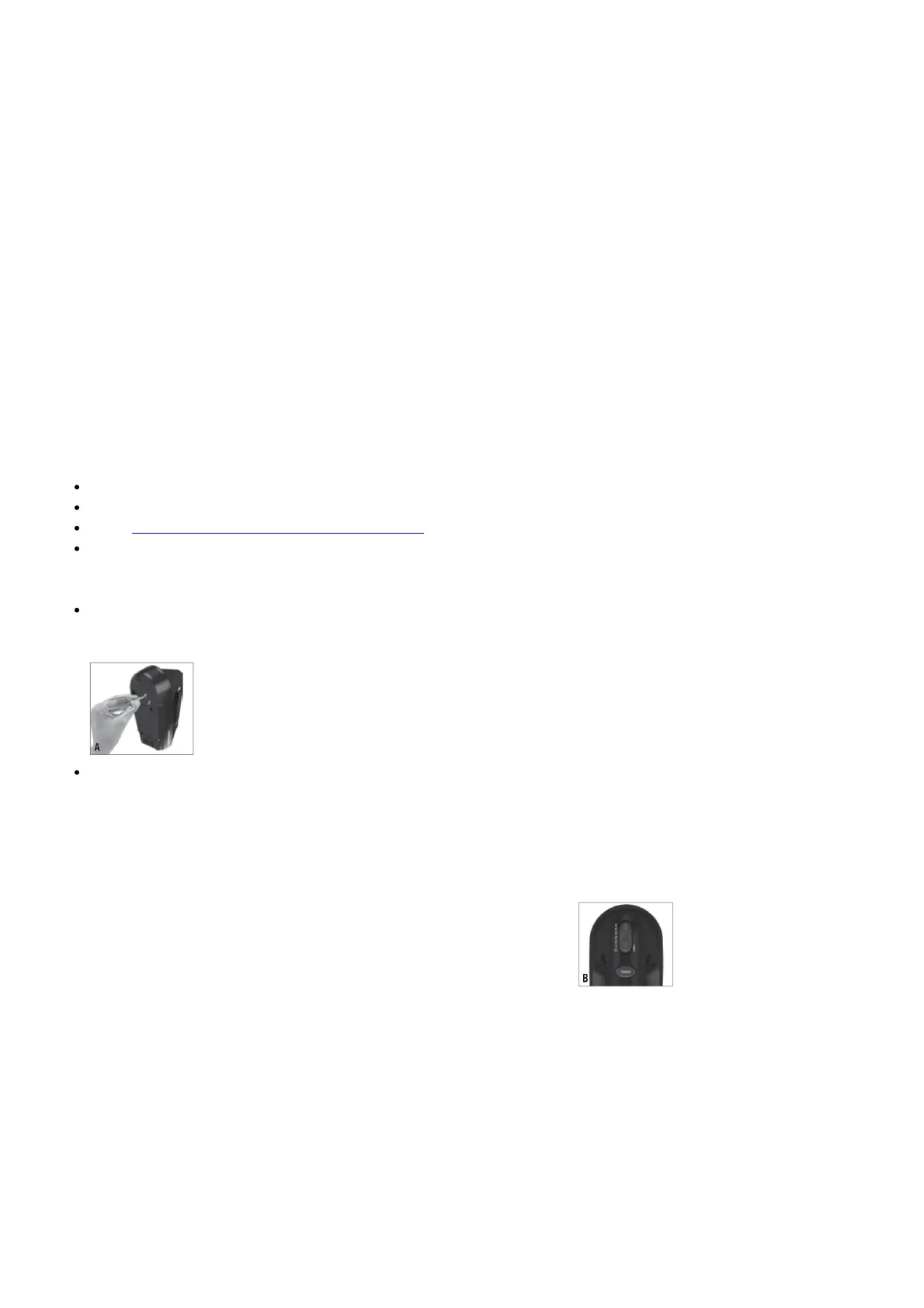
4. Use the mixing guide to select the correct speed ( B) for the food you are mixing. Generally, it is best to start on the
lowest speed (#1), then increase speed with beaters immersed in the food.
5. Guide beaters/whisks continuously through the mixture for uniform mixing. If you’d like to scrape the sides or
bottom of bowl using a handheld utensil, be sure to turn speed control switch off. Place mixer on heel rest so that
batter will drip back into bowl.
6. To remove beaters, dough hooks or wisk, ensure speed control switch is turned to off, place your thumb on the
groove in the speed control switch, and press straight down.
Caution: Be careful when ejecting the beaters, or whisk since they come out of the mixer quickly. You may
want to eject them into bowl or sink.
TURBO
1. The TURBO button, located below speed control switch, lets you increase mixing speed to the maximum power
level from any setting. When you feel mixer slowing down or straining in tough mixing tasks (such as mixing


 To Next Page
 Loading...