3
CLEANING AND MAINTENANCE
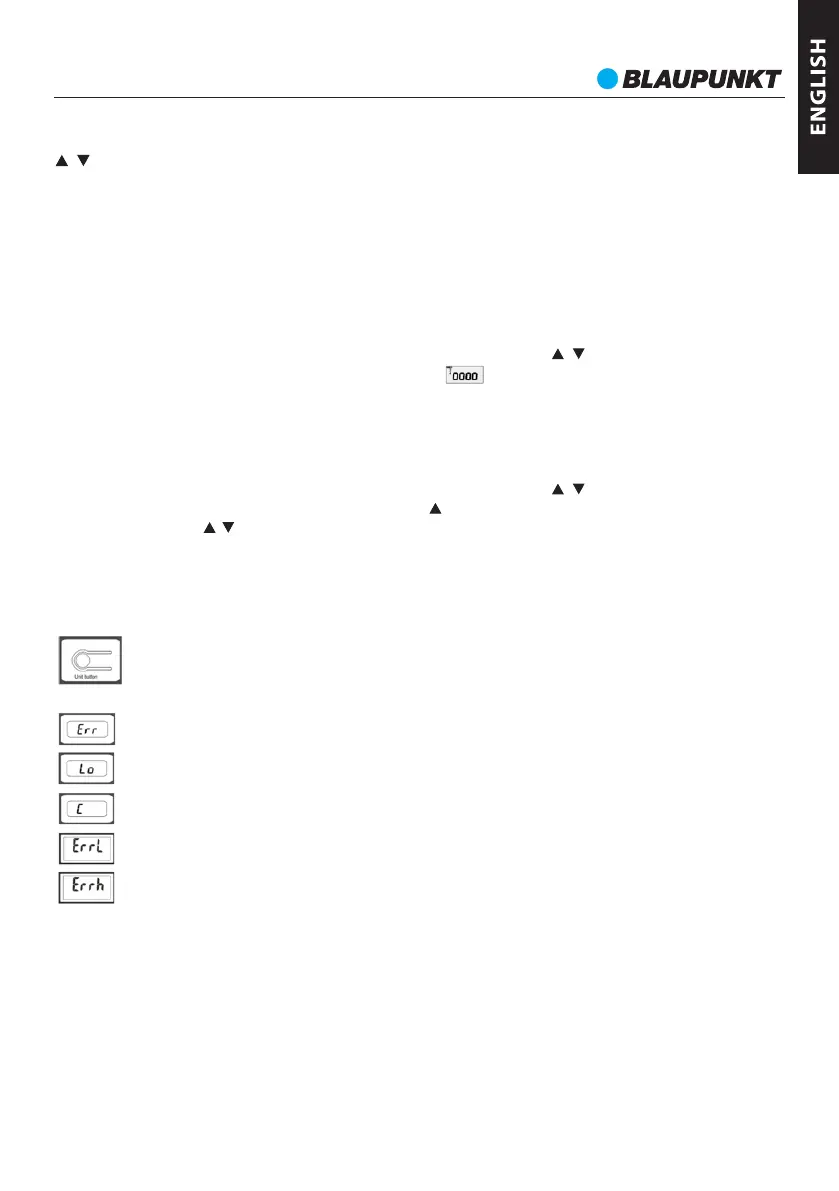
ERROR MESSAGES
If the scale is on and displays 0.0, press the SET button for 3 seconds to enter settings.
DISPLAYING THE LAST MEASUREMENT FOR A PROFILE
2. Sex selection
4. Age
When the last parameter has been confirmed, the scale will display 0.0 and then will automatically turn
off.
ErrL - % of fat too low.
WEIGHT MEASUREMENT WITH ANALYSIS
Start the scale by pressing the SET button. Select the user profile with , buttons. Step on the scale
or wait 6 seconds, the scale will display 0.0. Press the button to retrieve last measurements. To skip
pages faster, use the , buttons. The scale turns off automatically after displaying the measurements
three times.
Lo – Low battery, replace the batteries.
C – The scale requires recalibration, restart the scale.
ErrH - % of fat to high.
If an error is displayed and the scale does not turn off automatically after a longer time, remove the
batteries for more than 5 seconds.
1. Profile number selection
Err – The scale has been overloaded.
Wipe the weighing platform with a damp cloth. Then wipe dry. Do not submerge in water or other
liquids.
Start the scale by pressing the SET button. Select the user profile with , buttons. Tread on the scale,
the scale will display 0.0. Step on the scale. Wait for the measurement. When the measurement is
complete, the scale will display the results three times: weight, % body fat along with the obesity scale,
% hydration,% muscle tissue,% bone tissue, the recommended daily amount of calories.. Next, the
scale will turn off automatically.
CHANGING THE UNITS
The parameter selection process starts by pressing the SET button. The parameter value is changed by
, buttons. Confirm and move to the next one by pressing the SET button:
To change units from metric (kg) to imperial (lb, st) or vice versa, start the scale and find the units
change button. Press the button to change units.
100 years.
3. Height
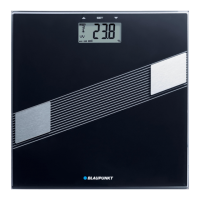
BSM411


 To Next Page