Getting Started
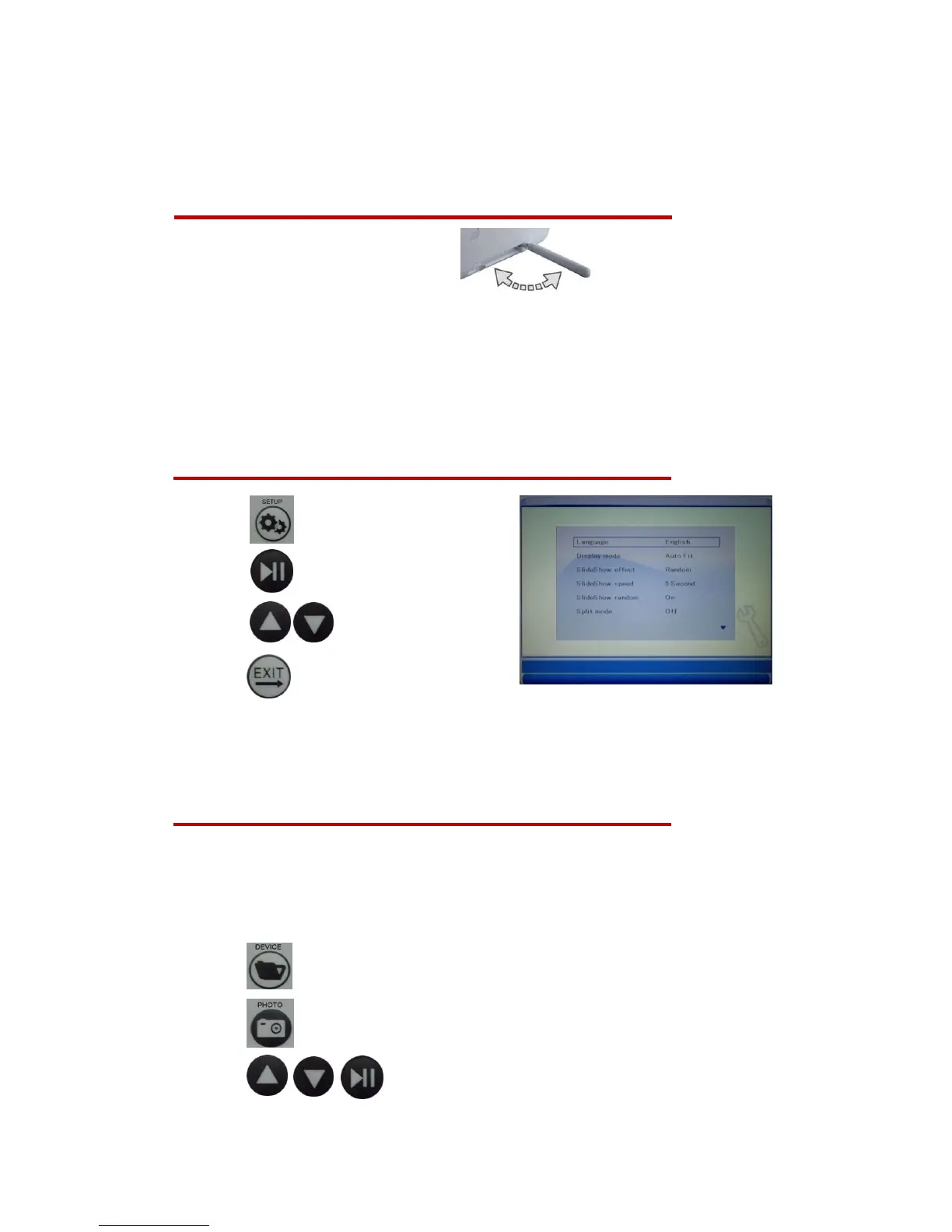
1. Setup the tabletop stand
2. Plug in the AC power adapter
3. Install the battery to the Remote Control
4. Press the Power Button on back of DPF or Press the Power Button of Remote
Control
Language Settings
1. Press to enter the setup menu.
2. Press to enable language selection.
3. Press to select the language.
4. Press to complete setting.
Note: You can use the similar steps for setting the calendar, slideshow, display &
video mode, music and panel brightness.
Displaying Photos or Slideshow
1. If you want to display built-in photo in the DPF, please go to Step 4.
2. Insert a memory card (SD/MS/MMC) or USB flash drive.
3. Press to select memory card which you want to display.
4. Press to display all thumbnail photos.
5. Press to select the photo for display.



 To Next Page