1.Download & Pairing 14
1.1 Long press the “home” button to turn on. 15
1.2 Scan the following QR code to install Dafit 16
APP,Or download“FitCloudPro”from App 17
Store, Google Player then install it. 18
19
Compatible System: Android4.4 and above , 20
iOS 8.2 and above 21
1.3 Enter the APP to bind the searched device. 22
Step1 : Enable Bluetooth on the mobile 23
phone; 24
Step2:Open“FitCloudPro”APP,Tap”Add a 25
device”to bind 。 26
Please keep bluetooth address 27
consistent with your smart bracelet 28
when you connecting. 29
Slide down screen from main interface 30
enter into “About” to check bluetooth 31
address. 32
2.Smart bracelet Functions 33
2.1.Time Interface 34
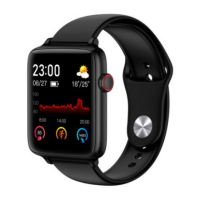
2.1.1 Power on:Long press side key to turn on. 35
2.2.2 Power off:On the time interface,long 36
press side key to power off. 37


 To Next Page