3
1 866 907 0122 blubathworks.com
2015-11
Faucet and Drain Connections (Not Supplied)
• Connect the water supply to the faucet according to faucet instructions.
• Connect and tighten the trap to the drain.
• Turn ON the water supplies to the faucet.
• Purge air from the HOT & COLD water by running the water for a few seconds.
• Fill the lavatory with water.
• Check for leaks at the water supply and drain connections.
Drilling Instructions for Deck Mount Faucets
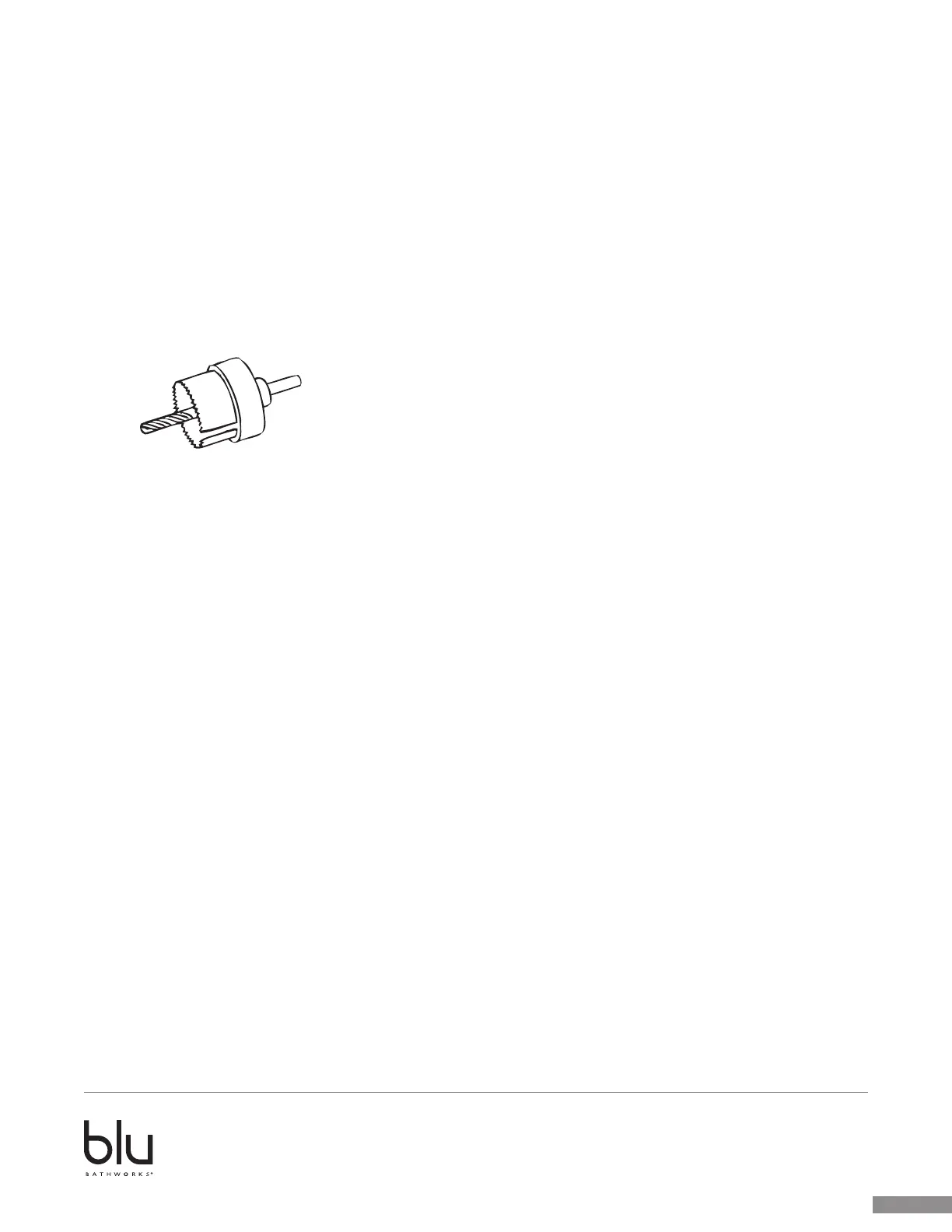
• Use a WIDIA (Cemented Carbide) cutter with the appropriate diameter according to the faucet
manufacturer’s installation guide.
• Start drilling from the underside of the basin.
• Applying light pressure, drill and stop when the center drill has completely penetrated the basin.
• Remove the cutter and flip the basin over.
• Place the cutter into the guide hole.
• Applying light pressure, finish drilling the required hole.



 To Next Page