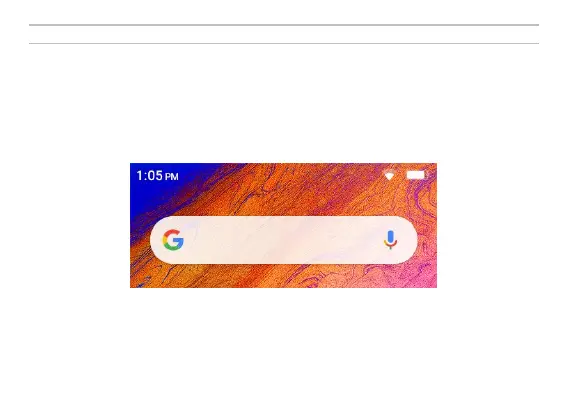
Notifications Bar
The notification bar is located on the top of the screen which contains useful and important information
regarding your phone and the applications that are installed.
On the notification bar, several icons will appear such as signal bar, time, battery indicator, data indicator,
Bluetooth and Wi-Fi. You may slide the notification bar down with your finger to display any pending
notifications or actions.



 To Next Page