INTRODUCTION
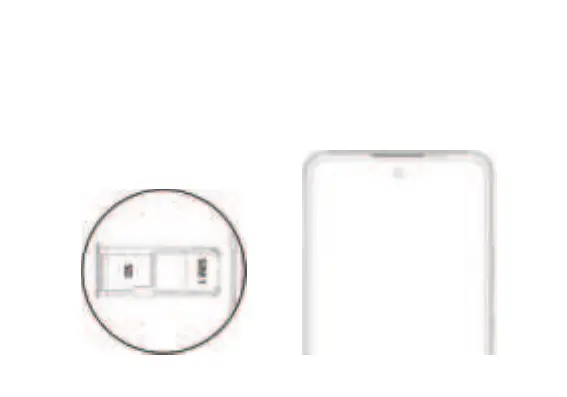
Installation of the SIM Card
Warning: Please keep the SIM card out of the reach of children. The SIM card and its contact are easily
damaged due to scratching or bending. Please use caution when carrying, installing, or taking out the SIM
card. Note: Please contact your cellular phone service provider directly to obtain your SIM card.
To insert SIM card:
Remove the SIM card tray (with tool). Insert the SIM card.
Insert the SD card (For additional storage capacity)
Replace the SIM card tray and power on the phone.



 To Next Page