13
Notification Settings
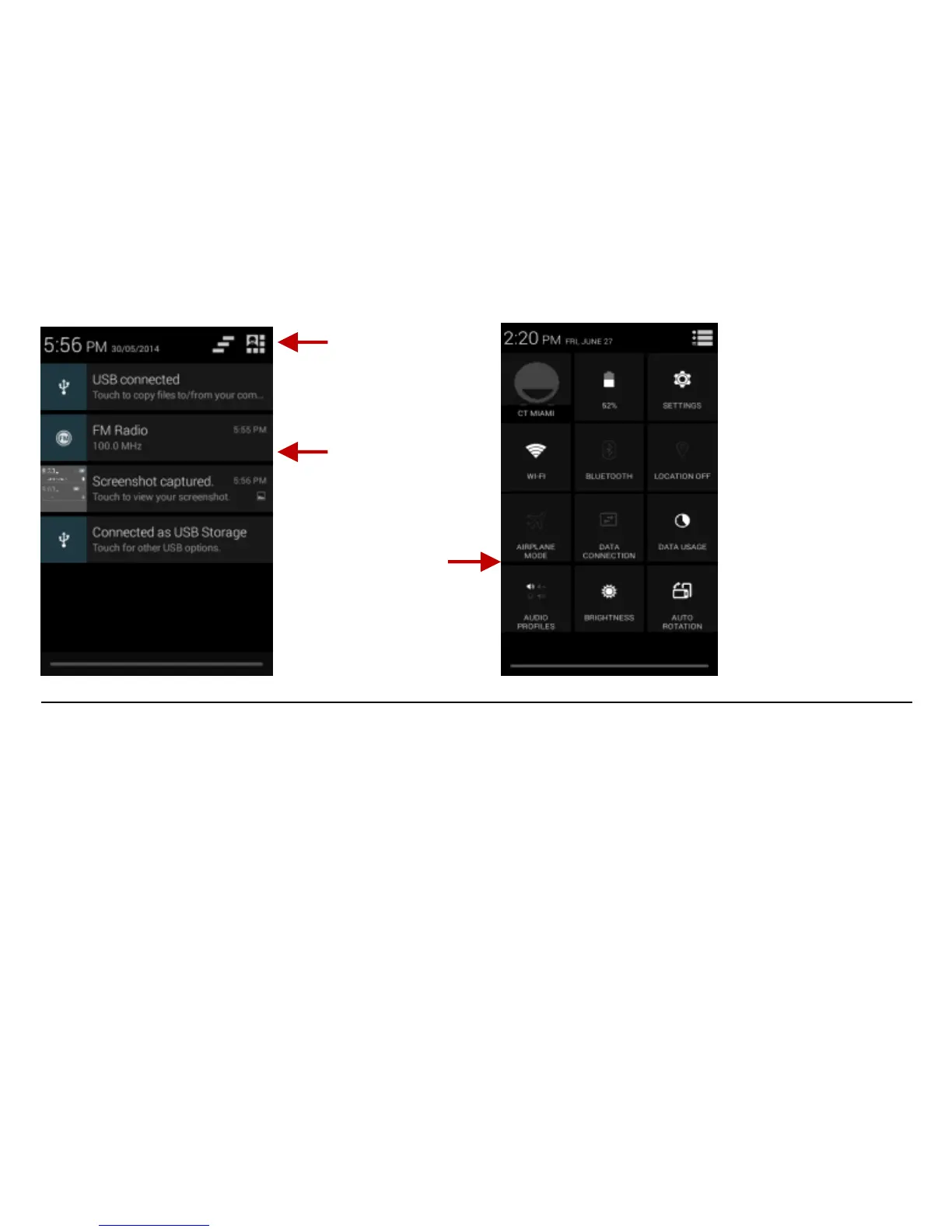
The notification settings window provides shortcuts to different phone settings for quick access. Click on
any of the shortcut notification icons to power on or off.
Note: To clear notifications, drag down the notification bar and click the clear notification icon on the upper
right hand part of the screen (3 horizontal lines). The notification settings menu is located by dragging down
the notification bar and is located on the upper right hand part of the screen next to the clear notification
icon.



 To Next Page