15
search results.
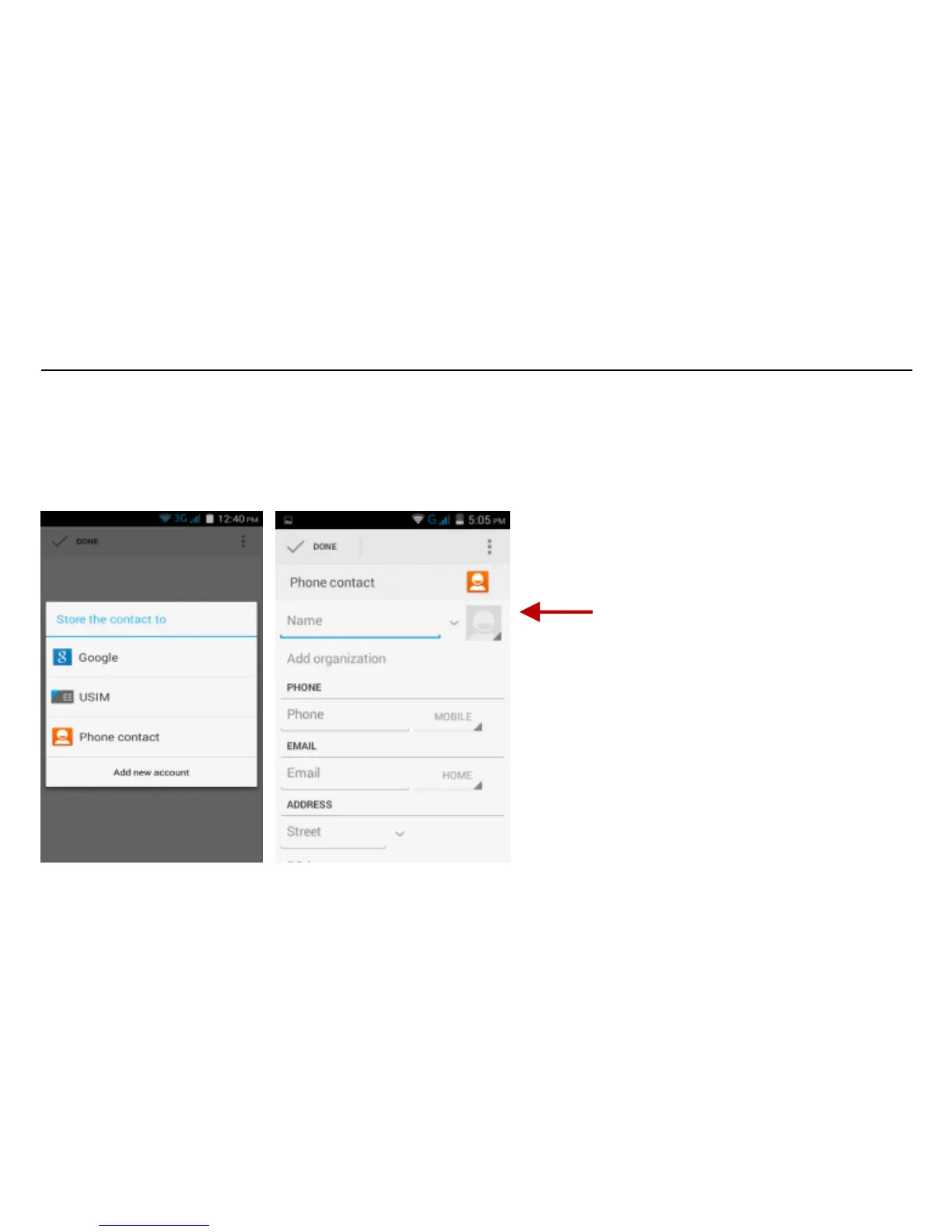
Add New Contact
Click the add contact icon (+) to add contact.
Select to save your contacts to your Google account, the phone or the SIM card.
You may enter different contact details which include adding a picture, name, telephone number,
group, address, and email among other options.
Click to save contact.
Note: Saving your contacts to
your Google account facilitates
both storage and synchronization
with multiple entries across
different handsets and tablets.
When syncing your Gmail with a
new phone, all your stored
Google contacts are automatically
synced with the new phone.



 To Next Page