24
Share Pictures
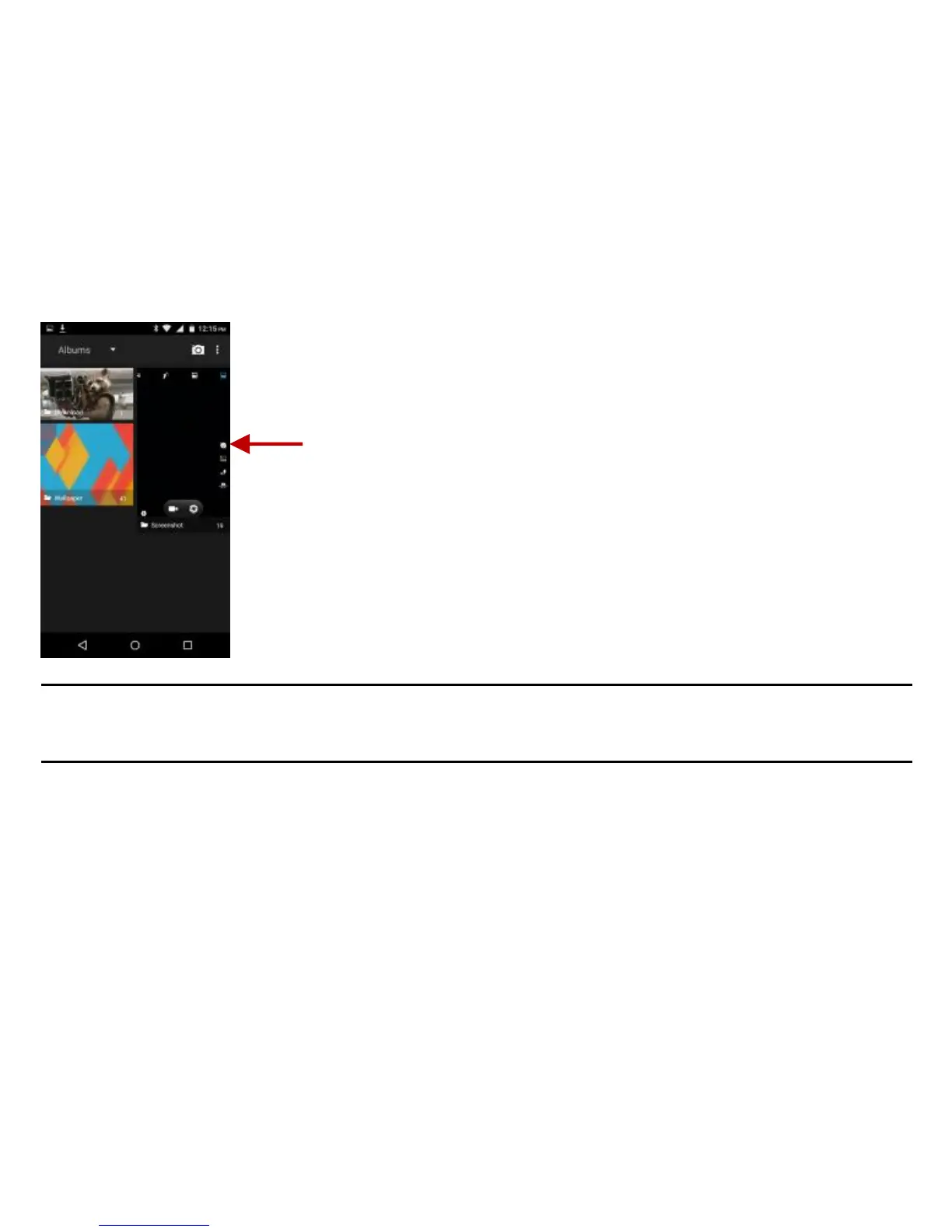
You may share pictures by sending them through different types of installed applications. You may also
send pictures through the MMS message function by attaching a picture and also via Bluetooth.
Adjust Image
Press Menu and select edit to adjust images. You may select from different effects that may include:
Vintage, Black and White, Instant, Latte, Litho, X-Process, Crop, Rotate, Mirror, Straighten, Vignette,
Contrast, Exposure, Auto color, Shadows, and Vibrancy among other options.



 To Next Page