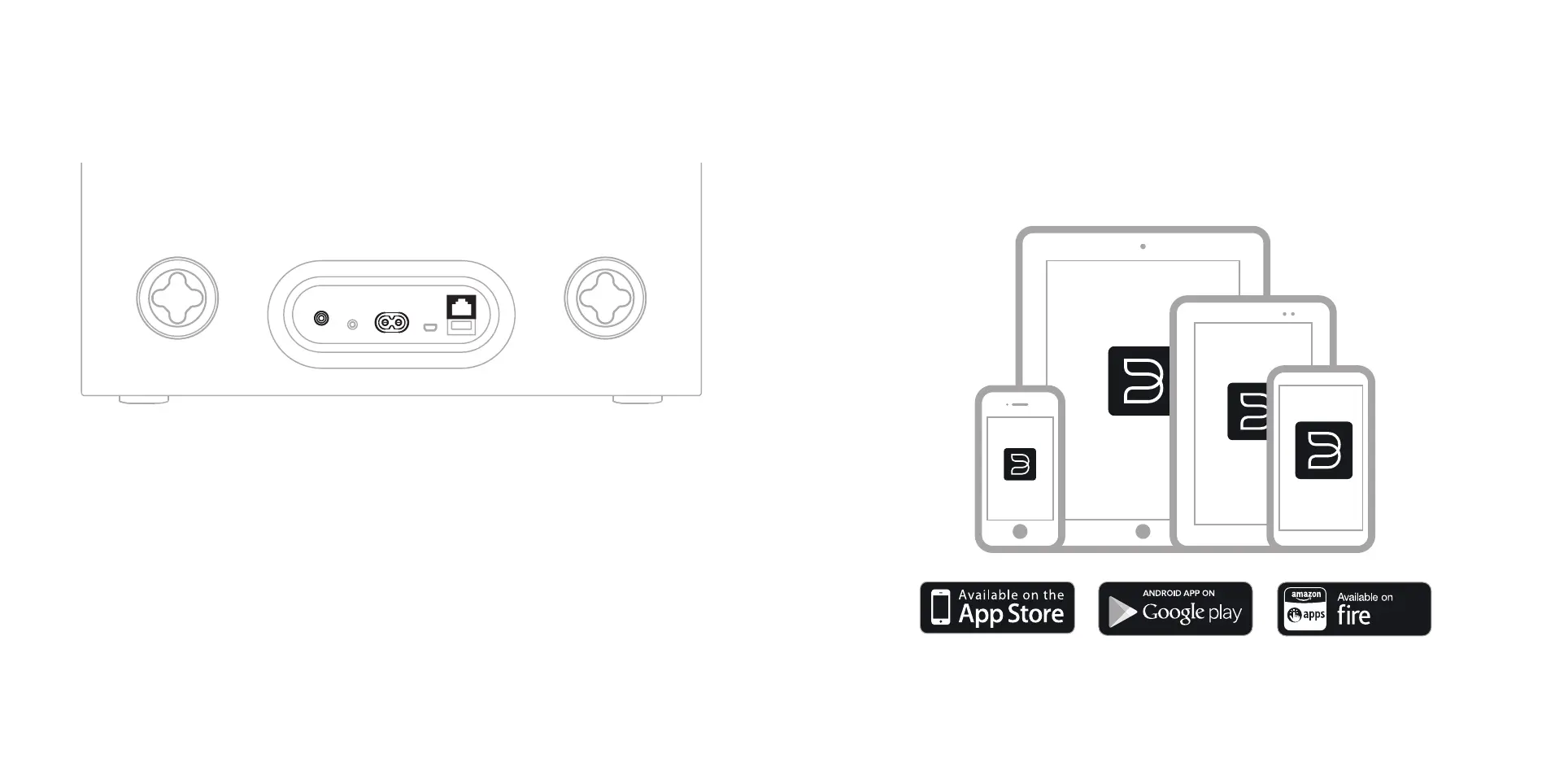
NETWORK
If you are using wired Ethernet for network, connect the PULSE SUB+ directly to your
router or switch. This is not necessary for a wireless connection.
If you do not want to use your local network to transmit audio to the PULSE SUB+, then
use the wired analog RCA input.
Please note: to control the SUB+ audio settings, it must be connected to the network.
POWER
Connect AC power. Watch for the LED to turn Solid Green.
Please note: Never force a power cord into a wall outlet. An adaptor may be necessary in certain regions.
2. CONNECT CABLES
Using your phone or tablet, download and open the BluOS App.
Go to the ‘Add A Player’ wizard and follow the prompts to nish setup.
GET THE APP
bluesound.com/downloads
3. ADD TO NETWORK


 To Next Page