Need help?
Do you have a question about the BlueStork KB-MINI-MAC-FR and is the answer not in the manual?
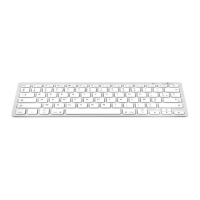
Details on connectivity, battery, dimensions, weight, and compatibility of the keyboard.
List of multimedia function keys and their corresponding operations.
Step-by-step instructions for connecting the keyboard via Bluetooth to a device.
Official statement regarding the keyboard's compliance with EU radio equipment directives.
Details of items included in the product packaging.
Guide to setting up and configuring the keyboard for different operating systems like iOS, Android, and Windows.
Overview of the keyboard's features, special functions, and multimedia shortcuts.
Specific technical details including dimensions, weight, and Bluetooth range.
Detailed mapping of function keys and their combinations for various operations and OS.
Key considerations for CAPSLOCK, Shift key usage, and key selection methods.
 General
| Model | KB-MINI-MAC-FR |
|---|---|
| Category | Keyboard |
| Type | Mini Keyboard |
| Layout | AZERTY |
| Connection | Wired |
| Interface | USB |
| Compatibility | Mac |
| Color | White |
| Weight | 300 g |

 To Next Page