Quick Install Guide for p2p Bluestork Cameras (PC)
134
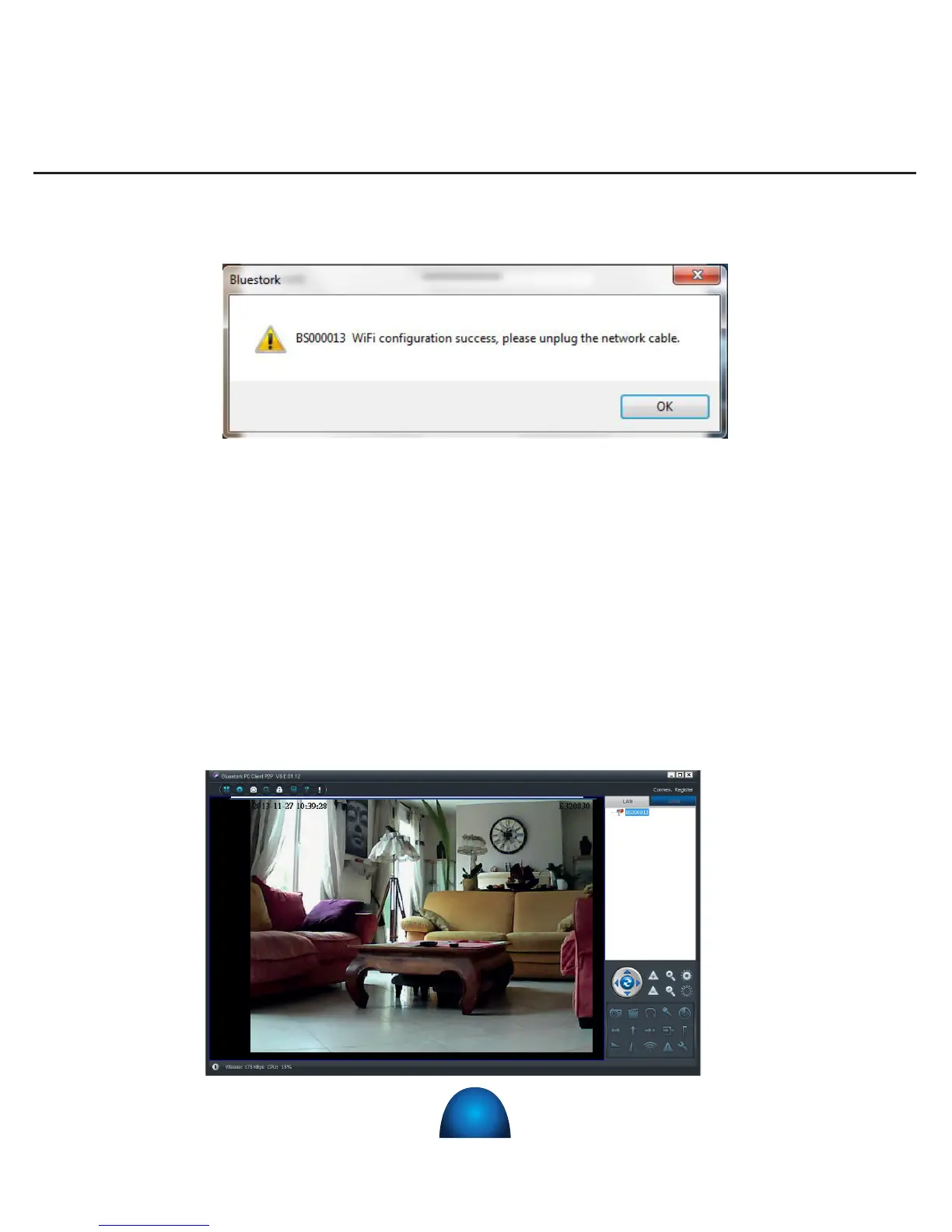
The following screen appears:
Click on «OK»
9) You can unplug the RJ-45 Ethernet cable from your camera. It works now with WI-FI.
10) Unplug the power supply from the camera , wait 10 seconds, then plug the power
supply again.
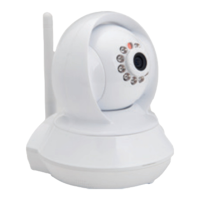
11) The re-boot camera is now functional again and the images can be viewed in the
« BlueView P2P PC ».


 To Next Page