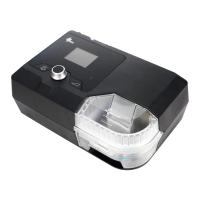
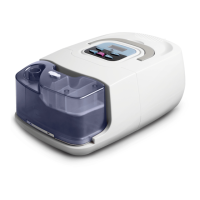
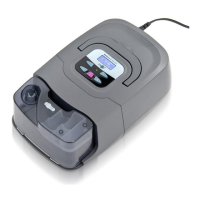
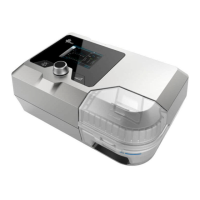
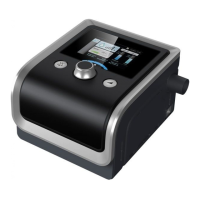
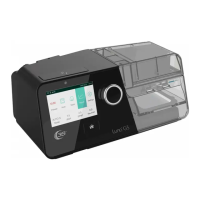
G2S A20 / G2S C20 Quick Operation Manual V1.0
1 / 2
G2S A20 / G2S C20 Quick Operation Manual
Mute Button: Press it to mute alarms
Knob: Start treatment and adjust device settings
Ramp Button: Press it to enable the Ramp feature
C
Tube
B
Filter Cap (Air Inlet)
Air Outlet
Device
Power Cord
Power Outlet
DC Inlet
Power Adapter
A
D
Mask
E
A. Connect one end of the tube to the assembled mask.
B. Connect the other end of the tube securely to the air outlet of the device, as shown in the figure
above.
C. Connect the power adapter to the DC inlet of the device.
D. Connect the power cord to the power adapter.
E. Plug the power cord into the power outlet.
3. Adjusting Device Settings
A. After the device is connected to power, its screen displays the Main Interface shown in the figure
below.
B. From the Main Interface shown above, press and hold the Ramp Button for three
seconds. The screen displays the Initial Setup Interface, as shown in the figure below.
C. Press the Knob to access the Setup Interface, as shown in the figure below.
All manuals and user guides at all-guides.com

 Need help?
 General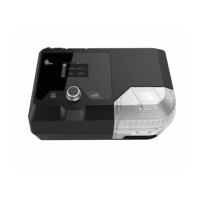

 To Next Page