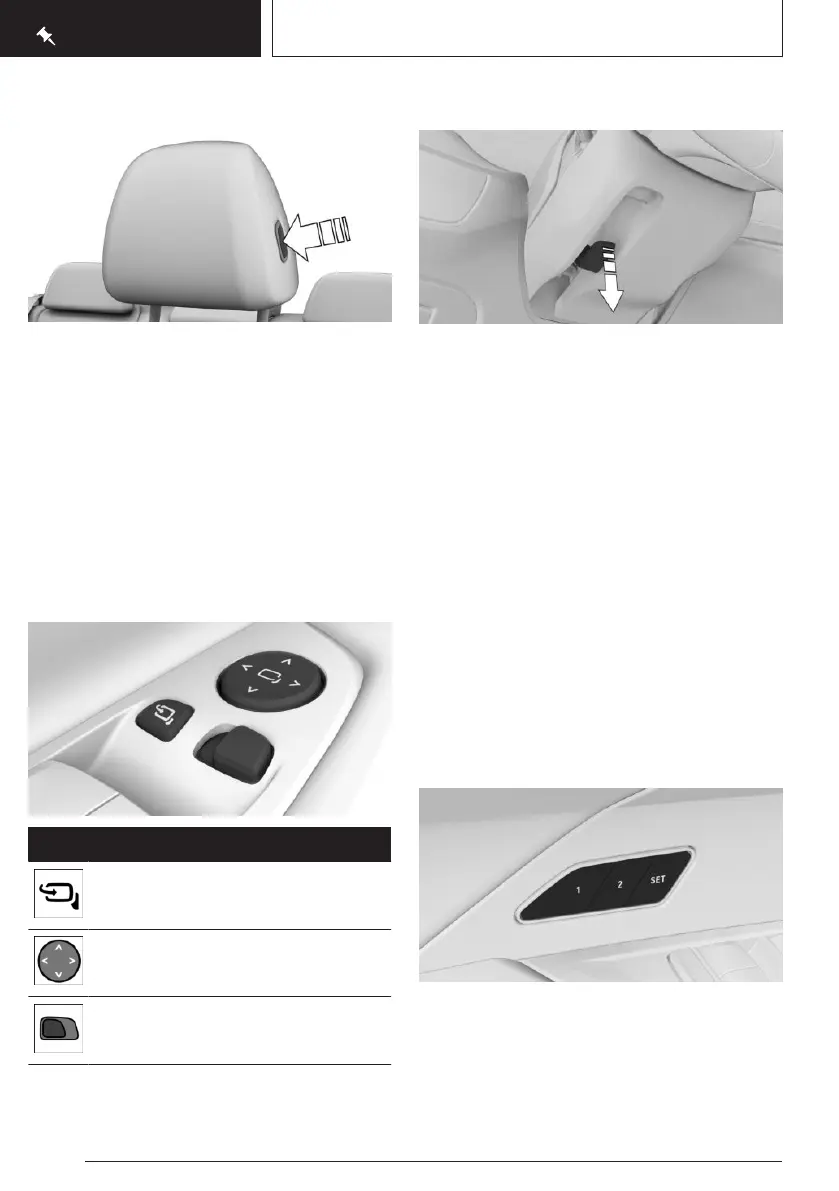
Adjusting the distance
▷ Back: press the button and push back the
head restraint.
▷ Forward: pull the head restraint forwards.
After adjusting the distance, make sure that
the head restraint engages correctly.
Adjusting the distance: M sports seat
The distance from the back of the head is ad-
justed by the seat backrest angle.
Adjusting the exterior mirrors
Icon Meaning
Fold the exterior mirror in and out.
Adjust the exterior mirrors.
Select mirror, automatic parking func-
tion.
Adjusting the steering wheel
1. Fold the lever down fully.
2. Grip the steering wheel with both hands
and adjust it in the longitudinal direction
and height of the seat position.
3. Fold the lever back up.
Memory function
Principle
The memory function enables the following
settings to be stored and retrieved when re-
quired:
▷ Seat position.
▷ Exterior mirror position.
▷ Depending on the equipment: height of the
Head-up display.
Overview
The memory buttons are on the front doors.
Seite 26
QUICK REFERENCE
Adjustment and operation
26
Online Edition for Part no. 01405A5E758 - VI/22









 To Next Page