5. A list of results is displayed.
6. Select the desired entry.
Entertainment
Depending on the national-market version and
equipment specification, the following buttons
are installed in the instrument panel.
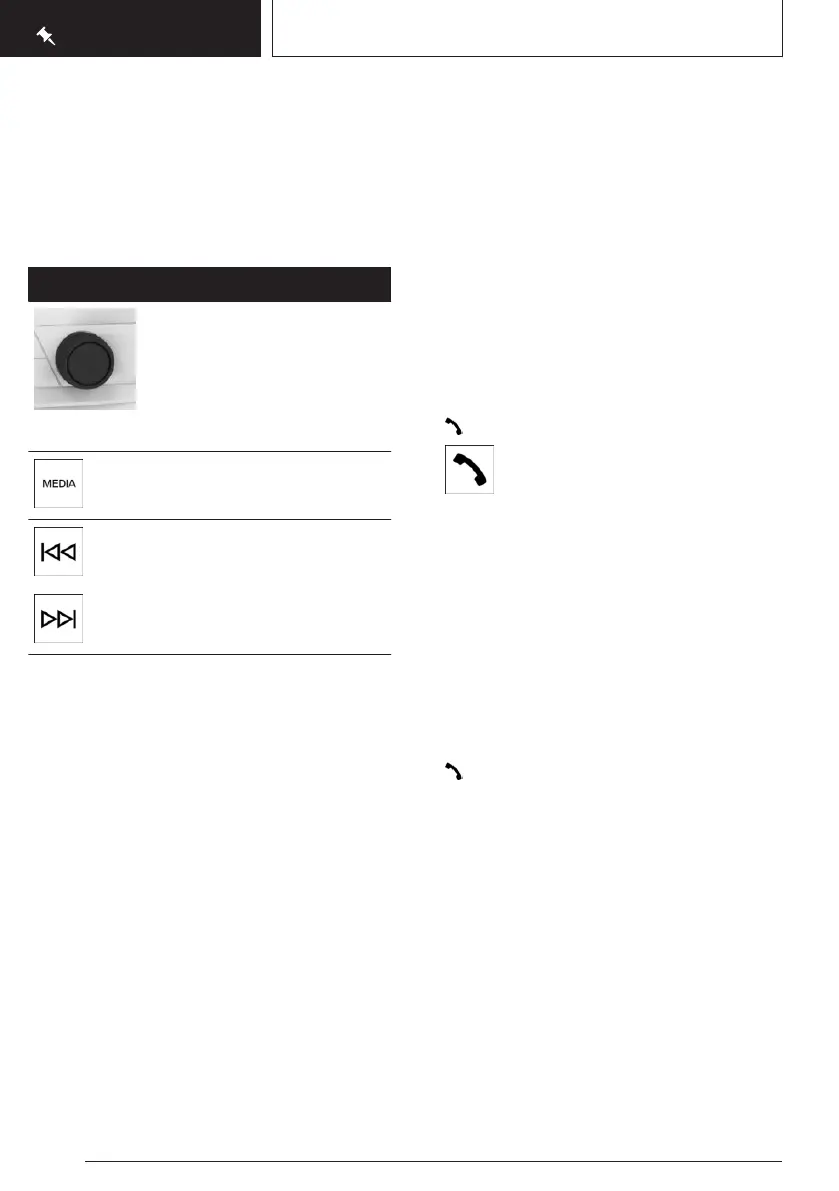
Button Function
Turn the knob to set the vol-
ume.
Press the knob to switch off
the sound output. Pressing
again restores the previous
volume.
Changing the entertainment
source.
Press once: to change the sta-
tion/music track.
Press and hold: to fast for-
ward/rewind the music track.
Using the mobile phone
General
Once the mobile phone has been connected in
the vehicle, it can be operated using iDrive and
the buttons on the steering wheel.
Activate Bluetooth® on the mobile phone.
Connecting via Bluetooth®
1.
"MENU"
2. "All apps"
3. "Mobile devices"
4. "Connect new device"
Mobile phones in range are displayed on
the control display.
5. Select the required mobile phone.
6. Compare the control number displayed on
the control display with the control number
in the display of the mobile phone and con-
firm that they match.
7. If necessary, select the connection mode:
"Use Bluetooth"
The device is connected and displayed in the
device list.
Accepting a call
Depending on the equipment, incoming calls
can be accepted in different ways.
▷ Via iDrive:
"Accept"
▷
Press the button on the steering wheel.
▷ Use the knurled wheel on the steering
wheel to select from the list in the instru-
ment cluster: "Accept"
Dialling a number
1.
"TEL"
2. "More"
3. "Dial number"
4. Enter the numbers.
5. Select the icon. The call is made using
the mobile phone to which the telephone
function is assigned.
Seite 28
QUICK REFERENCE
Adjustment and operation
28
Online Edition for Part no. 01405A5E758 - VI/22









 To Next Page