Controls
81
Reference At a glanceDriving tipsCommunications NavigationEntertainmentMobility
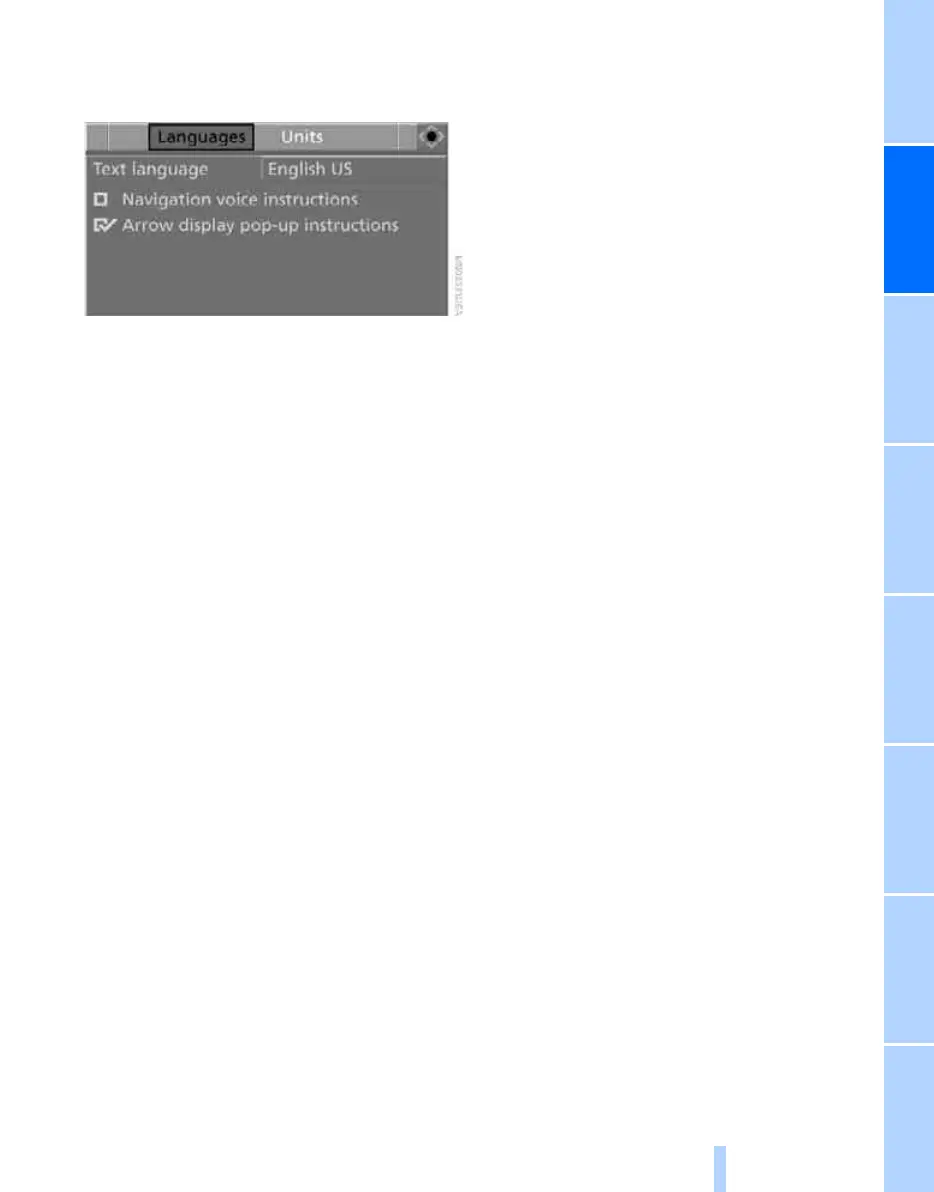
5. Change to upper field if necessary. Turn the
controller until "Languages" is selected and
press the controller.
6. Select "Text language" and press the con-
troller.
7. Select and activate the desired language by
pressing the controller.
The setting is stored for the remote control cur-
rently in use.
Online Edition for Part no. 01 41 2 600 775 - © 08/08 BMW AG



 To Next Page