Everything under control
80
The settings are stored for the remote control
currently in use.
Language on Control Display
iDrive, for operating principle refer to page 16.
1. Press the button.
This opens the start menu.
2. Press the controller to open the menu.
3. Select "Settings" and press the controller.
4. Select "Language / Units" and press the
controller.
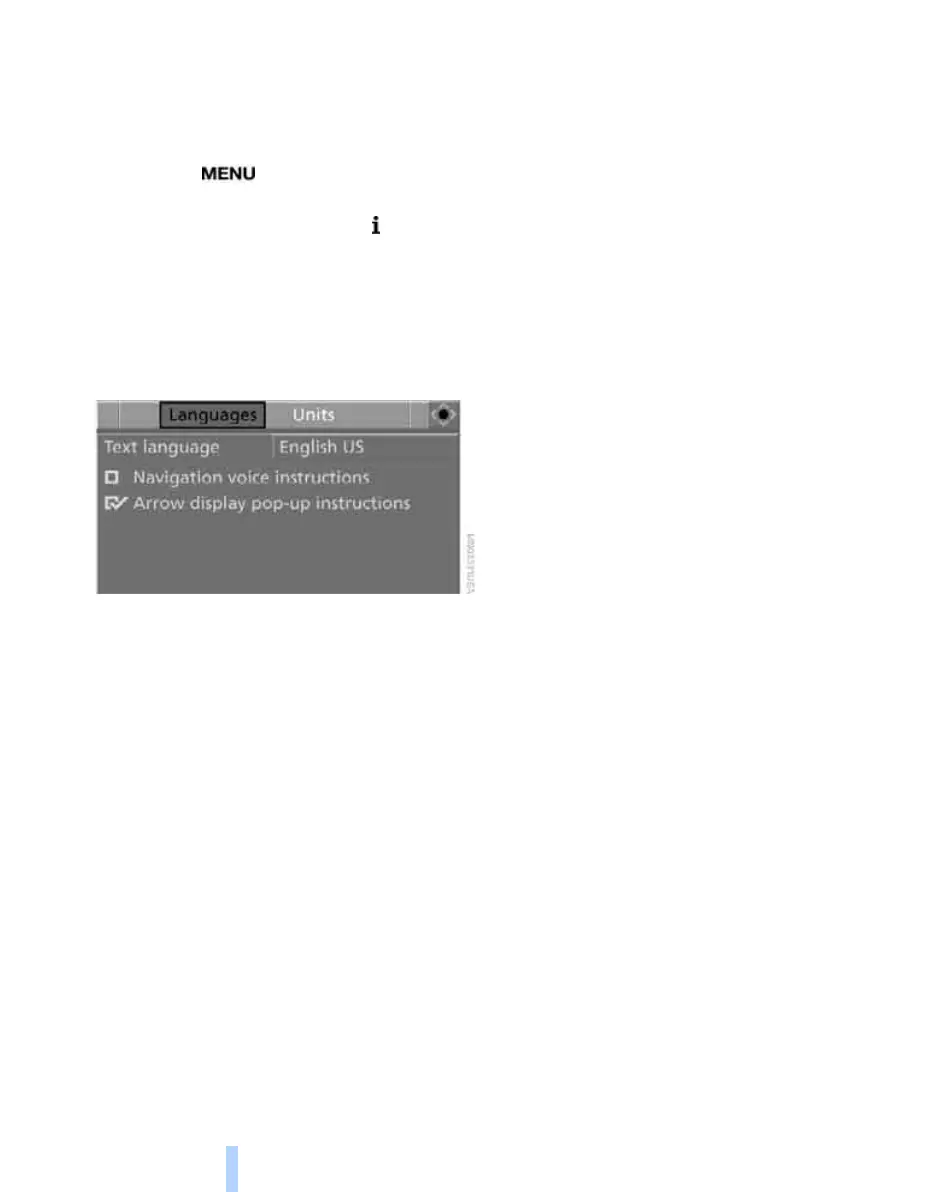
5. Change to upper field if necessary. Turn the
controller until "Languages" is selected and
press the controller.
6. Select "Text language" and press the con-
troller. You can select a different language
for the text displays.
7. Select the desired language and press the
controller.
The setting is stored for the remote control cur-
rently in use.
Online Edition for Part no. 01 41 0 014 244 - © 08/07 BMW AG



 To Next Page