configured individually. The individual settings
are activated and saved for the current driver
profile. As soon as a setting is changed in the
menu, all settings in the menu are activated.
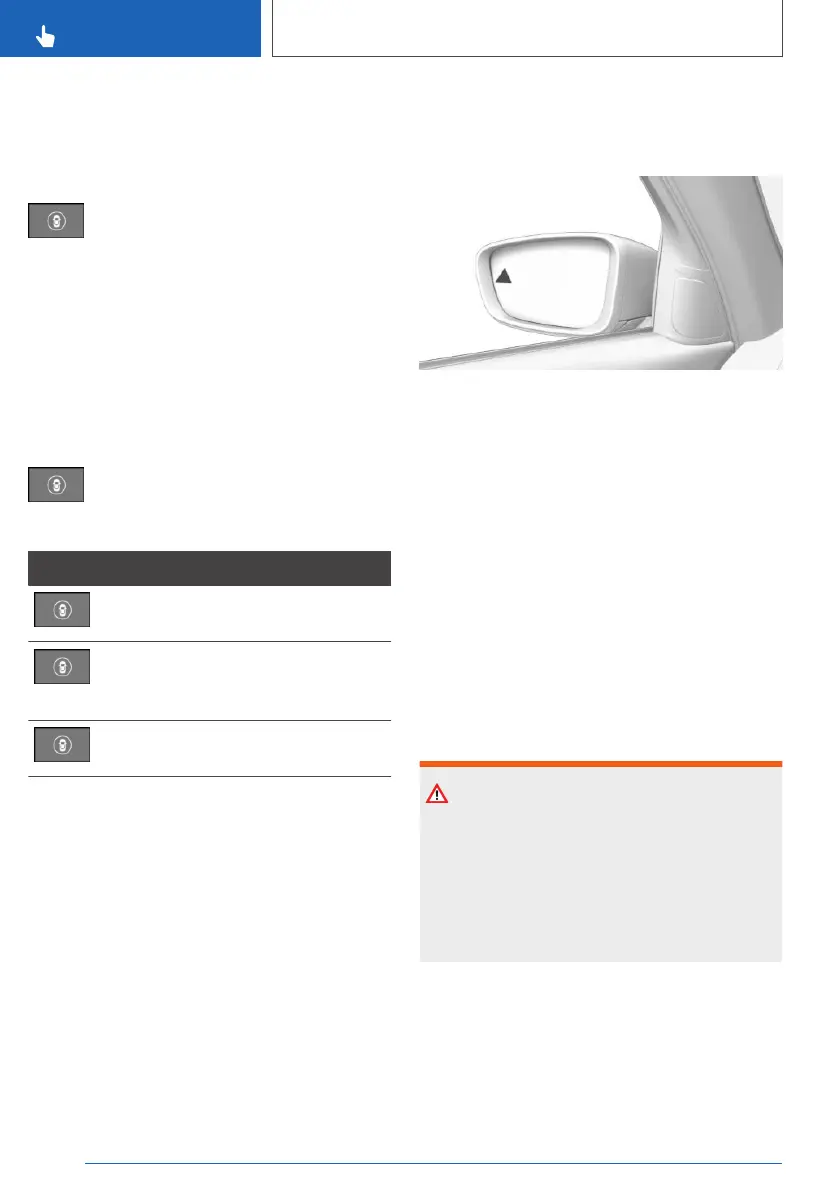
Press the button repeatedly.
The setting switches between the
following:
"ALL ON": all Intelligent Safety Systems are
switched on. Basic settings are activated for the
sub-functions.
"INDIVIDUAL": the Intelligent Safety Systems are
switched on according to the individual settings.
Some Intelligent Safety Systems cannot be
switched off individually.
Press and hold the button.
All Intelligent Safety Systems are
switched off.
Button Status
Button illuminates green: all Intelligent
Safety Systems are switched on.
Button illuminates orange: some Intel‐
ligent Safety Systems are switched
off or are currently not available.
Button does not illuminate: all Intelli‐
gent Safety Systems are switched off.
Adjusting the strength of the
steering wheel vibration
Via iDrive:
1.
"CAR"
2. "Settings"
3. "Driver assistance"
4. "Feedback via steering wheel"
5. "Vibration intensity"
6. Select the desired setting.
The setting is accepted for all Intelligent Safety
Systems and saved for the current driver profile.
Warning function
Light in the exterior mirror
Acute warning
In the event of imminent collision danger, the
light in the exterior mirror flashes and the steer‐
ing wheel starts vibrating. A Check Control mes‐
sage is displayed at the same time.
Subsequently, an active steering intervention
may be executed to avoid the collision and to
keep the vehicle safely within its driving lane.
Steering intervention can be felt at the steering
wheel, and can be overridden manually at any
time.
System limits
Safety note
WARNING
The system may not respond at all, or may re‐
spond too late, incorrectly or without justifica‐
tion due to system limitations. There is a dan‐
ger of accidents or damage to property.
Observe the information on the system limits
and intervene actively if necessary.
Functional limitations
The system may have limited functionality in the
following situations, for example:
▷ If the speed of the approaching vehicle is sig‐
nificantly higher than the driver's own speed.
Seite 214
CONTROLS
Safety
214
Online Edition for Part no. xxx - VI/19



 To Next Page