Dynamic Stability Control DSC is switched on, if
necessary.
Switching off
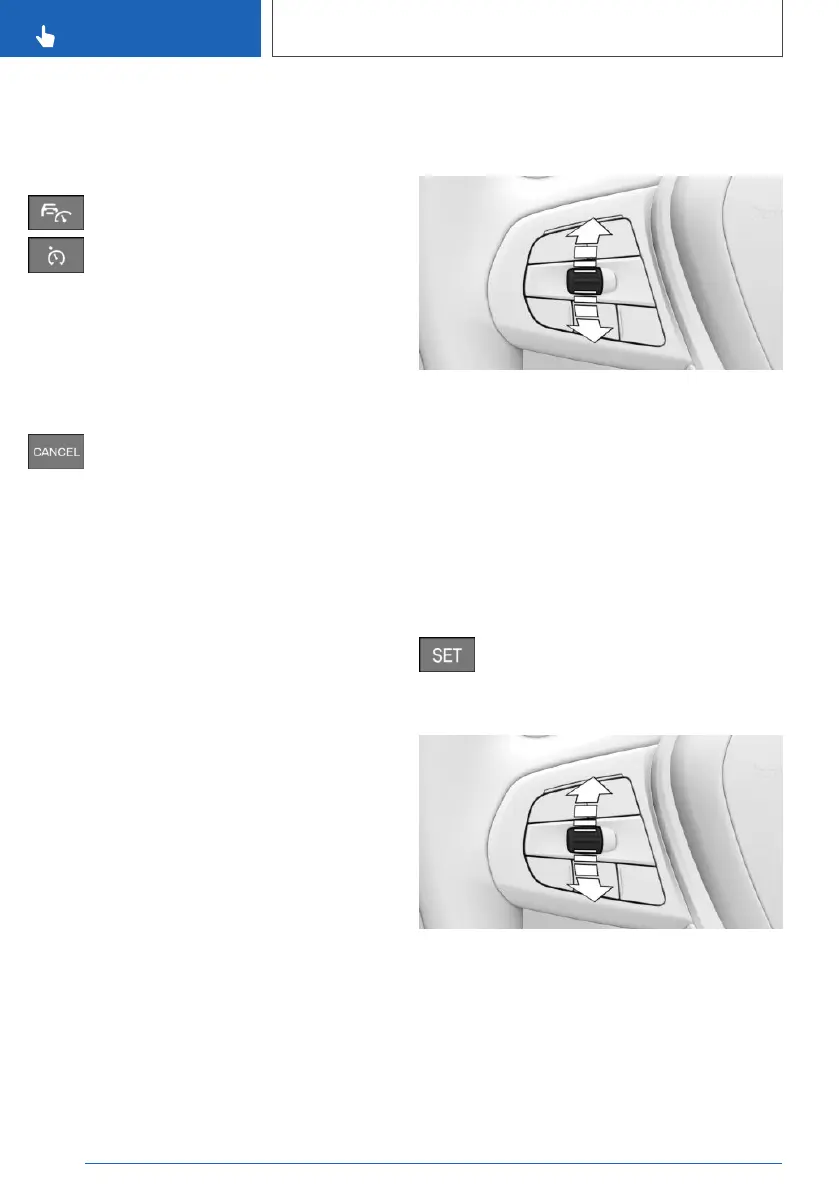
Depending on the equipment, press the
corresponding button on the steering
wheel.
The displays turn off. The stored desired speed
is deleted.
Interrupting Cruise Control
Interrupting manually
Press the button while the system is ac‐
tivated.
Interrupting automatically
The system is interrupted automatically in the
following situations:
▷ If the driver brakes.
▷ Steptronic transmission: if the selector lever
is moved out of selector lever position D.
▷ Manual gearbox: if the clutch is pressed for a
few seconds or released with no gear en‐
gaged.
▷ Manual gearbox: if too high a gear has been
engaged for the speed.
▷ If Dynamic Traction Control DTC is activated
or Dynamic Stability Control DSC deactiva‐
ted.
▷ If Dynamic Stability Control DSC intervenes.
▷ If with the Driving Experience Control SPORT
PLUS is activated.
To set the speed
Maintaining and saving the speed
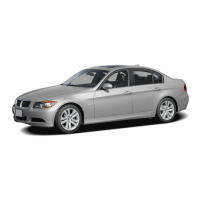
While the system is interrupted, press the rocker
switch up or down once.
If the system is switched on, the current speed is
maintained and stored as the desired speed.
The stored speed is displayed on the speedom‐
eter.
Dynamic Stability Control DSC is switched on, if
necessary.
The speed can also be stored by pressing the
button.
Press the button.
Changing the speed
Press the rocker switch repeatedly up or down
until the desired speed is set.
If the system is active, the displayed speed is
stored and the vehicle adjusts to the stored
speed when the road is clear.
Seite 236
CONTROLS
Driver Assistance Systems
236
Online Edition for Part no. xxx - VI/19



 To Next Page