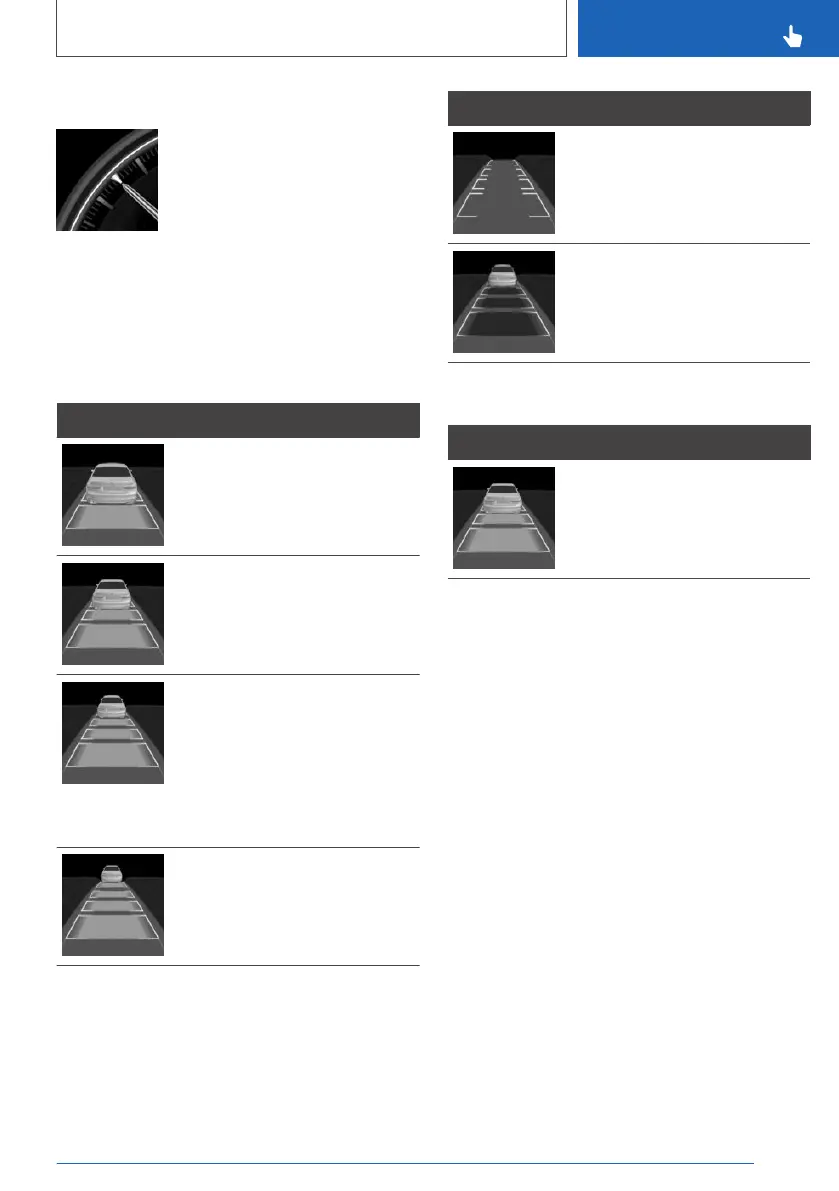
Display in the speedometer
▷ Green indicator: system is ac‐
tive, the indicator shows the
desired speed.
▷ Grey mark: system is interrup‐
ted; the mark shows the
stored speed.
▷ No marker: system is switched off.
Vehicle distance
The selected distance to the vehicle ahead is
displayed.
Symbol Description
Distance 1
Distance 2
Distance 3
Corresponds to approximately
half of the value of the speed‐
ometer reading, expressed in
metres. Selected when the sys‐
tem is switched on for the first
time.
Distance 4
Symbol Description
System interrupted.
No display of distance control
because the accelerator pedal is
being pressed.
Detected vehicle
Symbol Description
Green symbol:
Vehicle ahead detected.
The system maintains the set distance to the ve‐
hicle in front.
The vehicle symbol in the distance display
moves away as soon as the detected vehicle
pulls away.
To accelerate, activate ACC, for example by
briefly pressing the accelerator pedal or rocker
switch.
Seite 243
Driver Assistance Systems
CONTROLS
243
Online Edition for Part no. xxx - VI/19



 To Next Page