Switching off
1. Switch on the display of the BMW Display
key.
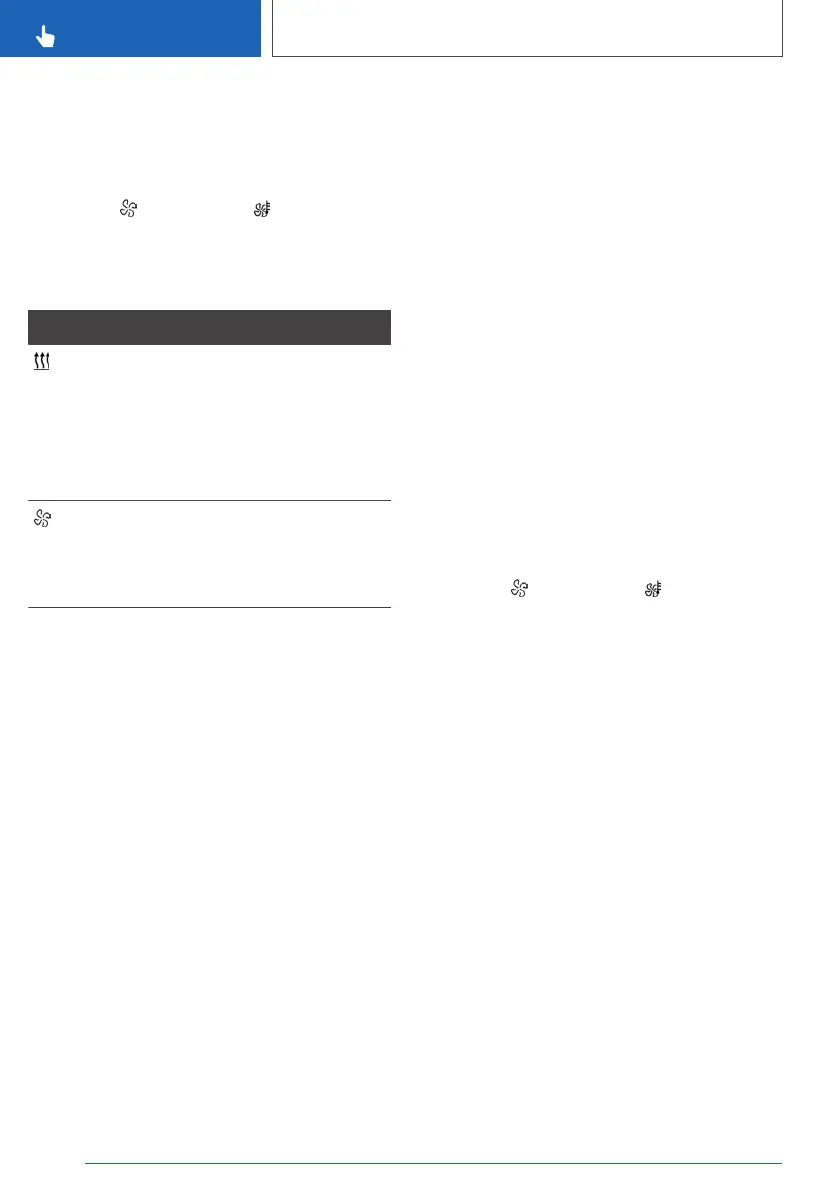
2. "Precondit. setting"
3. Tap the symbol or the symbol.
4. "Stop"
Display
Symbol Description
Symbol on the climate dis‐
play.
Illuminated: auxiliary heating
is switched on.
Flashing: the residual heat
of the engine is being used.
Symbol on the climate dis‐
play.
Flashing: independent venti‐
lation is switched on.
Departure time
Principle
To ensure a pleasant interior temperature in the
vehicle at the start of the journey, it is possible to
set different departure times.
▷ One-off departure time: the time can be set.
System is switched on once.
▷ Departure time with day of the week: time
and day of the week can be set.
The system is switched on in good time be‐
fore the set departure time on the required
days of the week.
Departure time preselection is done in two
stages:
▷ Set departure times.
▷ Activate departure time.
At least 10 minutes should pass between adjust‐
ing/activating the departure time and the sched‐
uled departure time, so the climate control has
enough time to work.
Setting the departure time
Via iDrive
1. "CAR"
2. "Settings"
3. "Climate comfort"
4. "Auxiliary heating/ventilation"
5. "Departure schedule"
6. Select the required departure time.
7. Set the departure time.
8. Select the day of the week if necessary.
Using BMW display key
1.
Switch on the display of the BMW Display
key.
2. "Precondit. setting"
3. Tap the symbol or the symbol.
4. Select the required departure time.
5. Set the departure time.
6. Select the day of the week if necessary.
7. "OK"
Activating the departure time
Operating requirements
If a departure time is to influence activation of the
auxiliary heating/independent ventilation, the rel‐
evant departure time must be activated first.
Via iDrive
1.
"CAR"
2. "Settings"
3. "Climate comfort"
4. "Auxiliary heating/ventilation"
5. "Departure schedule"
6. Activate the required departure time.
Seite 294
CONTROLS
Air conditioning
294
Online Edition for Part no. xxx - VI/19



 To Next Page