Deleting
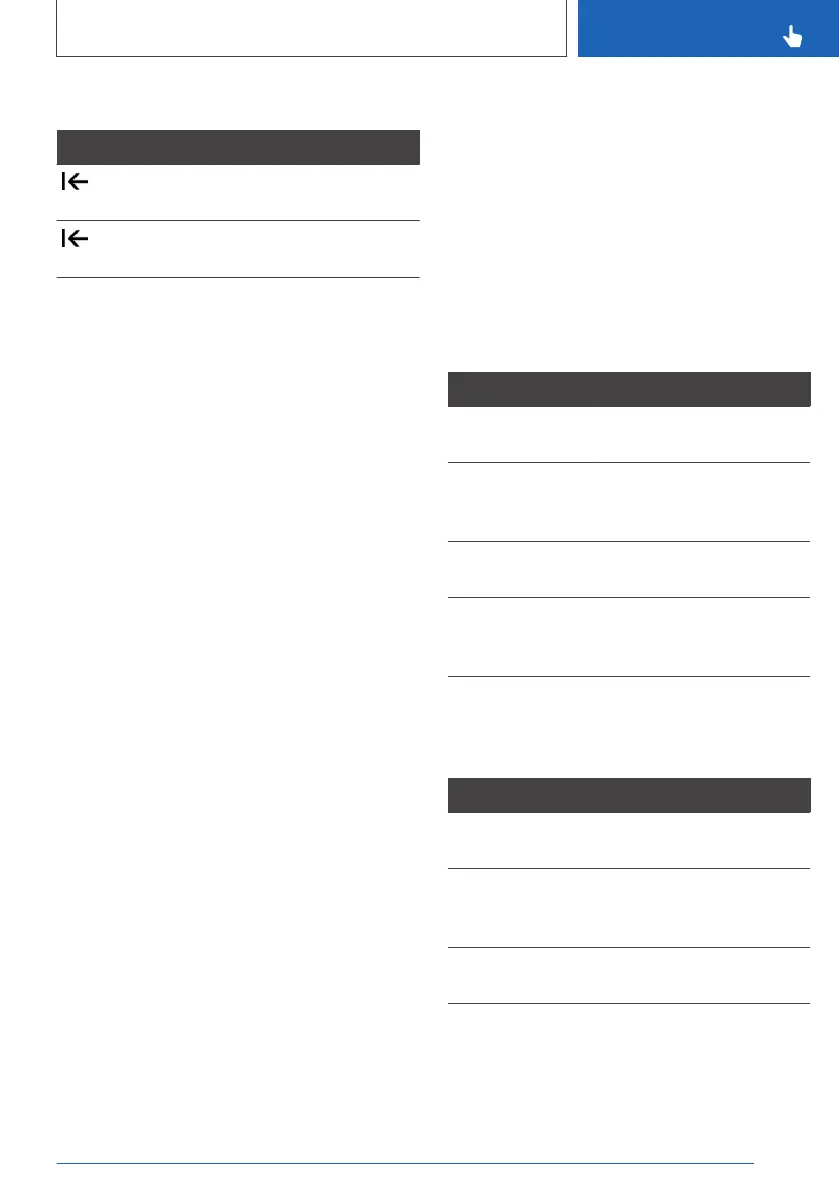
Symbol Function
Press the Controller: to delete letters
or numbers.
Press and hold the Controller: to de‐
lete all letters or numbers.
Operating alphabetical lists
For alphabetical lists with more than 30 entries,
the letters for which entries are available can be
displayed in a letter field.
1.
Turn the Controller quickly to the left or right.
2. Select the initial letter of the desired entry.
The first entry for the selected letter is dis‐
played in the list.
Operation via touchpad
General
Some of the functions of the iDrive can be oper‐
ated with the touchpad of the Controller.
Selecting functions
Via iDrive:
1.
"CAR"
2. "Settings"
3. "General settings"
4. "Touchpad"
5. Select the desired setting:
▷ "Character input": to enter letters and
numbers.
▷ "Map": to operate the map.
▷ "Search fields": to write letters without se‐
lecting the list field.
▷ "Audio confirmation": to have the entered
letters and numbers read out.
Entering letters and numbers
▷ Enter characters as they are displayed on the
Control Display.
▷ Always enter associated characters, for ex‐
ample accents or dots, so that the letter can
be clearly identified.
▷ The input options depend on the language
that has been set. You may need to enter
special characters using the Controller.
Entering special characters
Entry Operation
To delete a char‐
acter.
Swipe to the left on the
touchpad.
To enter a space. From the centre of the
touchpad, swipe to the
right.
To enter a hy‐
phen.
At the top of the touchpad,
swipe to the right.
To enter an un‐
derscore.
At the bottom of the
touchpad, swipe to the
right.
Operating map
The map of the navigation system can be moved
using the touchpad.
Function Operation
To move the map. Swipe in the appropriate
direction.
To enlarge/reduce
the map.
On the touchpad, pinch
together or move apart
your fingers.
To display the
menu.
Tap once.
Seite 55
iDrive
CONTROLS
55
Online Edition for Part no. xxx - VI/19



 To Next Page