Everything under control
56
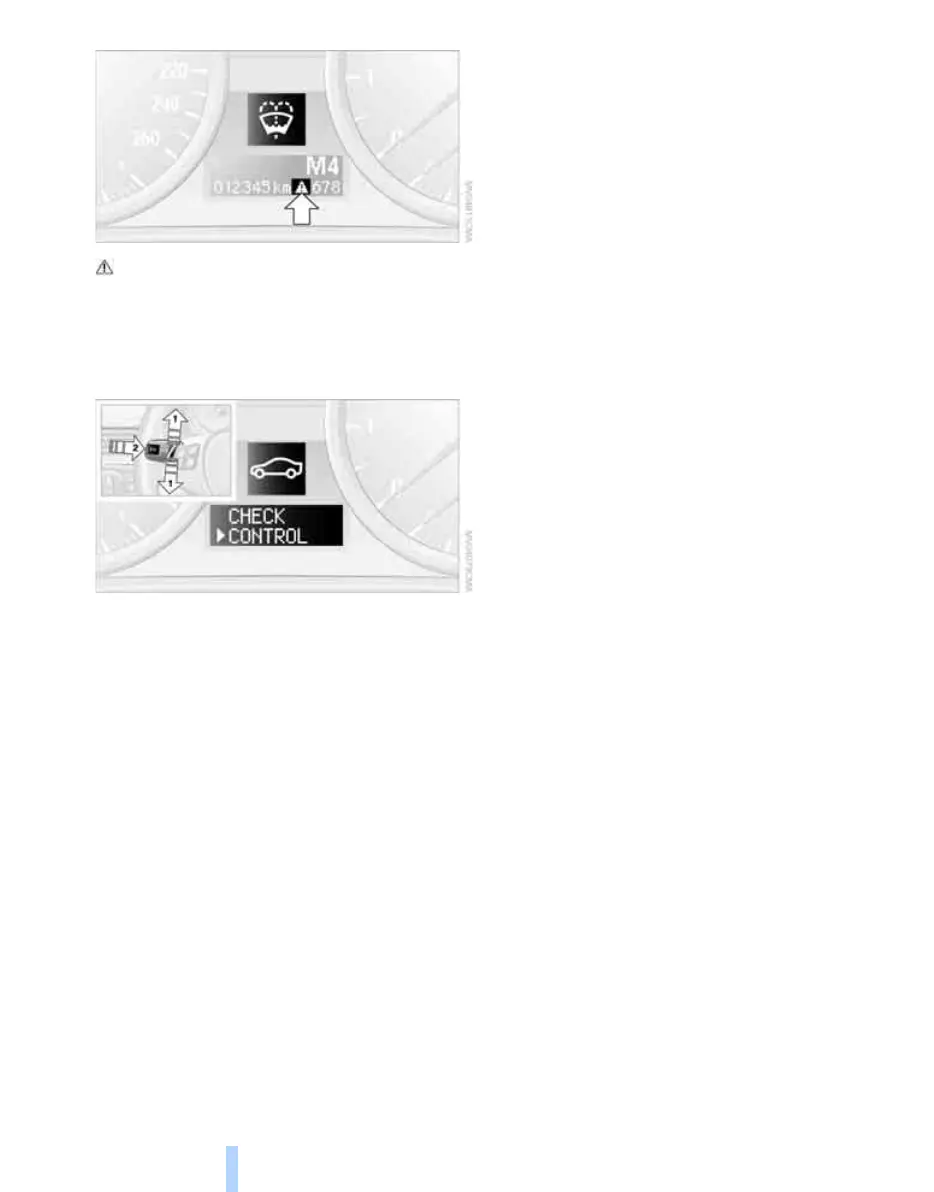
indicates that Check Control messages have
been stored. You can have the Check Control
messages shown later on.
Viewing Check Control messages
stored in memory
1. Lightly push button 1 in the turn indicator
stalk repeatedly up or down until the appro-
priate symbol appears in the display,
accompanied by the words "CHECK CON-
TROL".
2. Press button 2.
"CHECK OK" appears if there are no Check
Control messages.
If a Check Control message has been
stored, the corresponding light is shown.
3. Lightly push button 1 to check for other
messages.
4. Press button 2.
The display again shows the outside tem-
perature and the time.
Online Edition for Part-No. 01 41 0 159 204 - © 03/05 BMW AG



 To Next Page