90n
Computer in MID
*
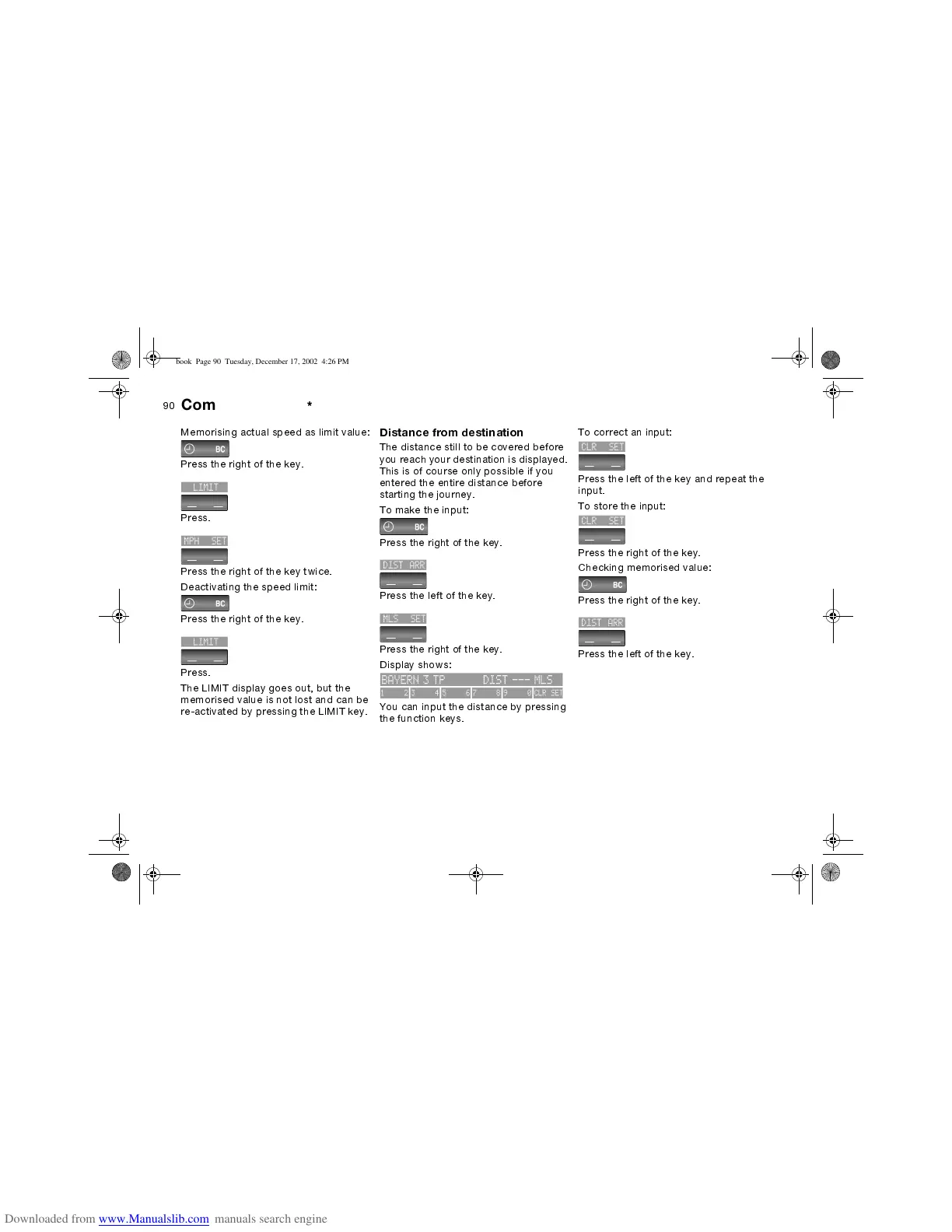
Memorising actual speed as limit value:
Press the right of the key.
Press.
Press the right of the key twice.
Deactivating the speed limit:
Press the right of the key.
Press.
The LIMIT display goes out, but the
memorised value is not lost and can be
re-activated by pressing the LIMIT key.
Distance from destination
The distance still to be covered before
you reach your destination is displayed.
This is of course only possible if you
entered the entire distance before
starting the journey.
To make the input:
Press the right of the key.
Press the left of the key.
Press the right of the key.
Display shows:
You can input the distance by pressing
the function keys.
To correct an input:
Press the left of the key and repeat the
input.
To store the input:
Press the right of the key.
Checking memorised value:
Press the right of the key.
Press the left of the key.
ba.book Page 90 Tuesday, December 17, 2002 4:26 PM


 To Next Page