95n
OverviewControlsMaintenanceMinor repairsDataKeywords
Telephone operation via MID
*
Activating telephone operation
Press the right of the key.
According to the symbols in the display,
either insert the card into the handset
or enter the code.
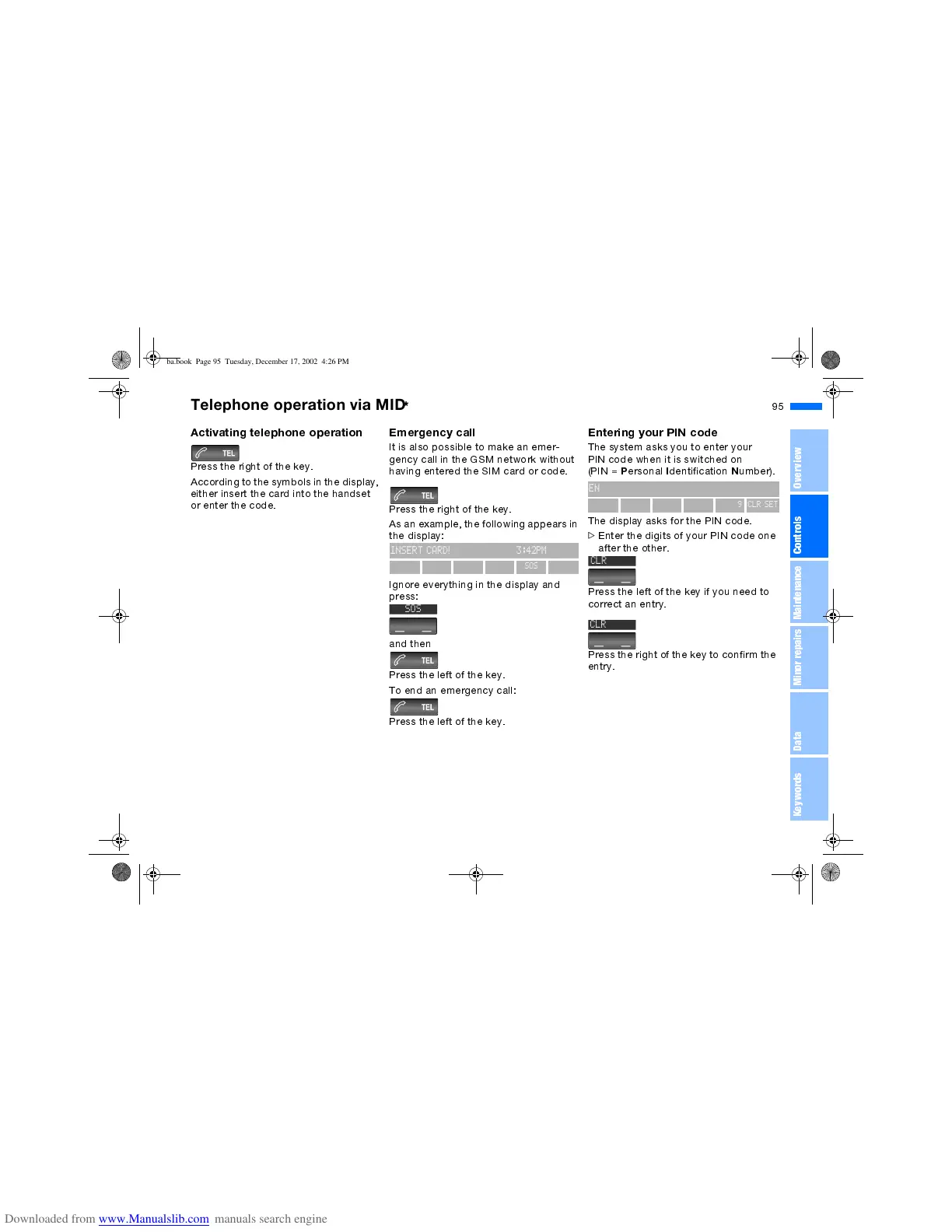
Emergency call
It is also possible to make an emer-
gency call in the GSM network without
having entered the SIM card or code.
Press the right of the key.
As an example, the following appears in
the display:
Ignore everything in the display and
press:
and then
Press the left of the key.
To end an emergency call:
Press the left of the key.
INSERT CARD! 3:42PM
SOS
C
SOS
Entering your PIN code
The system asks you to enter your
PIN code when it is switched on
(PIN =
P
ersonal
I
dentification
N
umber).
The display asks for the PIN code.
>
Enter the digits of your PIN code one
after the other.
Press the left of the key if you need to
correct an entry.
Press the right of the key to confirm the
entry.
ENTER PIN CODE 3:42PM
0123456789CLR SET



 To Next Page