97n
OverviewControlsMaintenanceMinor repairsDataKeywords
Telephone operation via MID
*
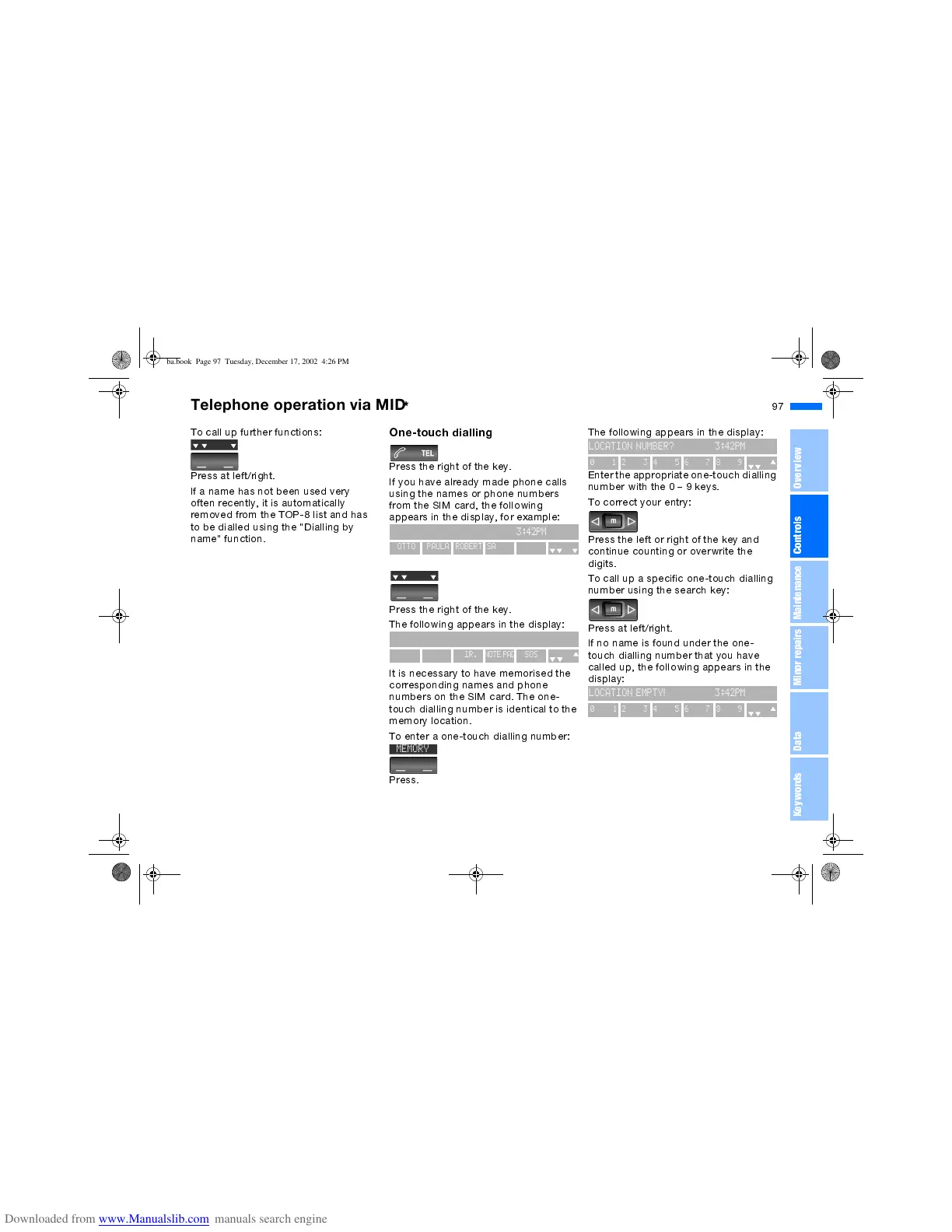
To call up further functions:
Press at left/right.
If a name has not been used very
often recently, it is automatically
removed from the TOP-8 list and has
to be dialled using the "Dialling by
name" function.
One-touch dialling
Press the right of the key.
If you have already made phone calls
using the names or phone numbers
from the SIM card, the following
appears in the display, for example:
Press the right of the key.
The following appears in the display:
It is necessary to have memorised the
corresponding names and phone
numbers on the SIM card. The one-
touch dialling number is identical to the
memory location.
To enter a one-touch dialling number:
Press.
3:42PM
OTTO
PAULA
ROBERT
SANDRA
SOS
3:42PM
MEMORY NUMBER DIR. NOTE PAD SOS
C
MEMORY
The following appears in the display:
Enter the appropriate one-touch dialling
number with the 0 9 keys.
To correct your entry:
Press the left or right of the key and
continue counting or overwrite the
digits.
To call up a specific one-touch dialling
number using the search key:
Press at left/right.
If no name is found under the one-
touch dialling number that you have
called up, the following appears in the
display:
LOCATION NUMBER? 3:42PM
0123456789
LOCATION EMPTY! 3:42PM
0123456789
ba.book Page 97 Tuesday, December 17, 2002 4:26 PM



 To Next Page