At a glanceControlsDriving tipsCommunications NavigationEntertainmentMobilityReference
89
Trip computer
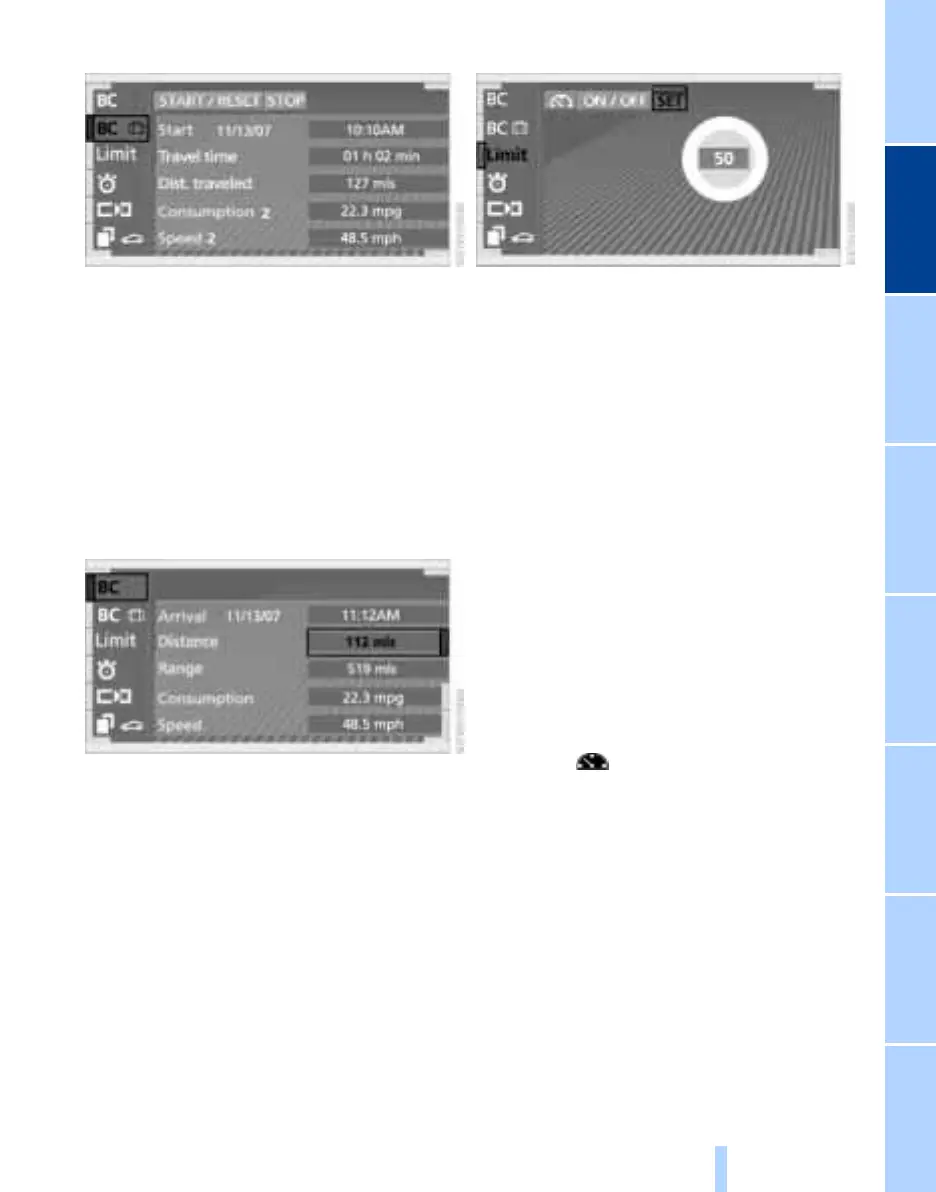
Reset all data to zero:
Select "START / RESET" and confirm.
> Time of departure
> Driving time
> Elapsed distance
> Average fuel consumption since
"START / RESET"
> Average speed since
"START / RESET".
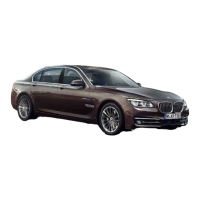
Entering a distance manually
1. Select computer "BC"
2. Select and activate the "Distance" entry
function. Turn the controller to the left
or right to select the distance to your
destination
3. Press the controller to confirm your
entry.
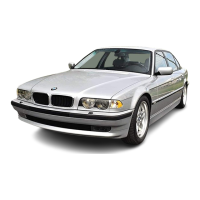
Setting and revising speed limit
1. Select "Limit" and confirm your selec-
tion
2. Select "SET" and confirm.
3. Turn the controller to the left or right to
select the preset speed
4. Press the controller to confirm your
entry. The speed limit function is now
active.
To switch off or switch on again
1. Select "Limit" and confirm your selec-
tion
2. Select "ON / OFF" and confirm. "ON /
OFF" is highlighted when the speed
limit function is activated.
Adopting your current speed as the
limit
1. Select "Limit" and confirm your selec-
tion
2. Select and confirm. This resets
the stopwatch to zero and then restarts
it. The system adopts your current
speed as the limit.
Online Edition for Part No. 01 41 0 157 197 - © 11/02 BMW AG



 To Next Page