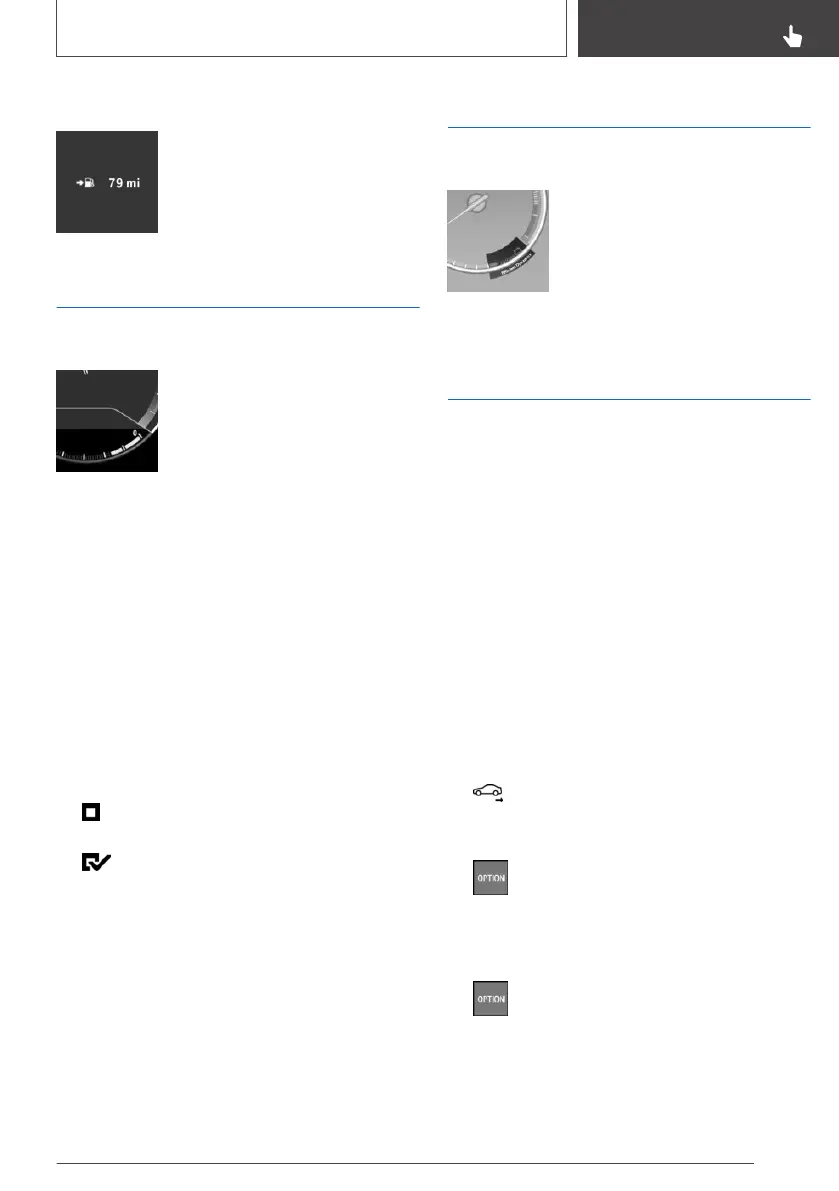
Display
The current range is displayed in
the instrument cluster.
Current consumption
Instrument cluster
Displays the current fuel con‐
sumption. Check whether you are
currently driving in an efficient and
environmentally-friendly manner.
Displaying the current
consumption
Depending on your vehicle's optional features,
the current consumption can also be displayed
as bar in the instrument cluster.
Via iDrive:
1.
"My Vehicle"
2. "iDrive settings"
3. "Displays"
4. "Instrument panel"
5. If necessary, "M dynamic driving systems"
The display for the current consumption
is active.
Display of the driving dynamics systems,
refer to page 126.
Energy recovery
Display
In coasting overrun mode the ki‐
netic energy of the vehicle is con‐
verted to electrical energy. The
vehicle battery is partially charged
and fuel consumption can be re‐
duced.
EfficientDynamics display
Displaying Efficient Dynamics
Information on consumption and technology can
be displayed while driving.
1.
"My Vehicle"
2. "Technology in action"
3. "EfficientDynamics"
Displaying consumption history
The average consumption can be displayed
within an adjustable time frame.
1.
"My Vehicle"
2. "Technology in action"
3. "EfficientDynamics"
4. Select the symbol.
Selecting route length
1. Press the button.
2. Select the desired setting.
Resetting consumption history
1. Press the button.
2. "Reset consumption history"
Seite 125
Displays
CONTROLS
125
Online Edition for Part no. 01402720665 - II/19


 To Next Page