Overview
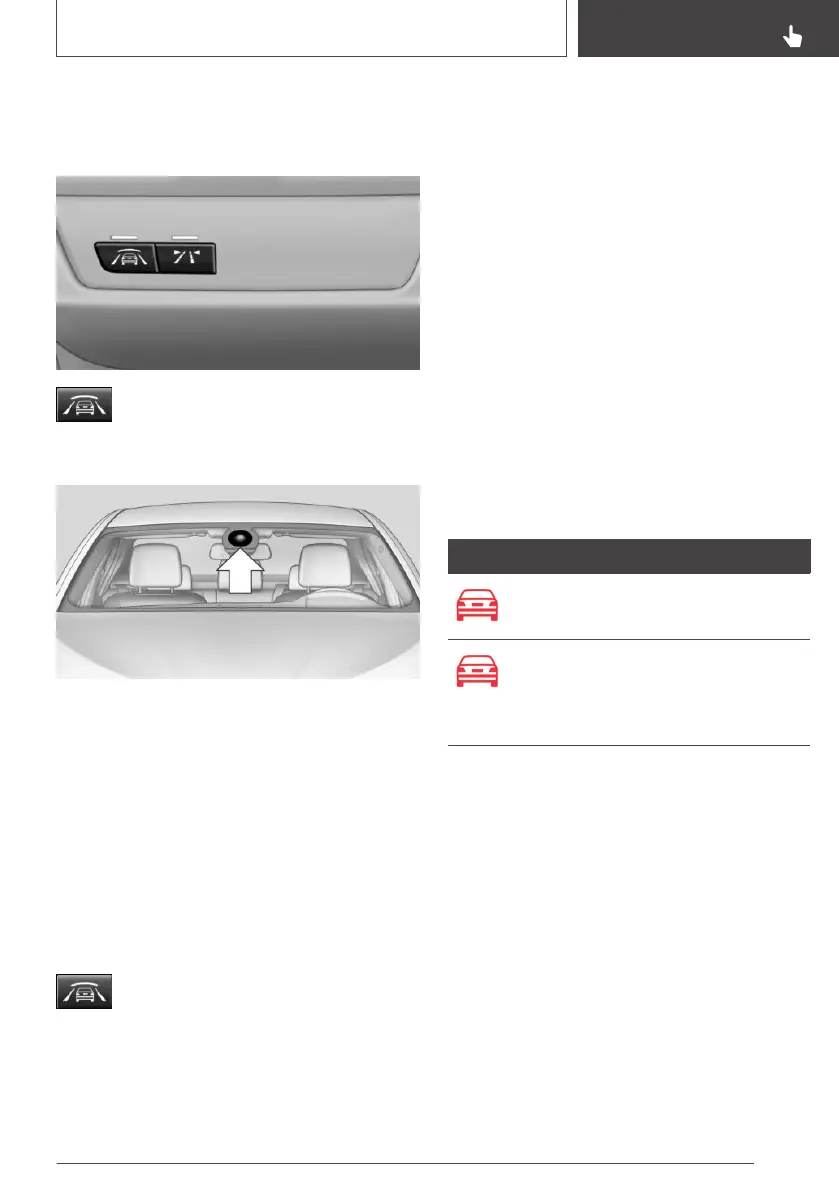
Button in the vehicle
Intelligent Safety button
Camera
The camera is installed near the interior mirror.
Keep the windshield in front of the interior mirror
clean and clear.
Switching on/off
Switching on automatically
The system is automatically active after every
driving off.
Switching off
Press button: the system is switched
off. The LED goes out.
Re-press button: the system is switched on. The
LED lights up.
Setting the warning time
The warning time can be set.
Via iDrive:
1. "My Vehicle"
2. "Vehicle settings"
3. "Intelligent Safety"
4. "Warning time"
5. Select the desired setting.
The selected time is stored for the driver profile
currently used.
Warning with braking function
Display
If a collision with a vehicle detected in this way is
imminent, a warning symbol appears on the in‐
strument cluster.
Symbol Measure
Symbol lights up red: prewarning.
Brake and increase distance.
Symbol flashes red and an acoustic
signal sounds: acute warning.
Brake and make an evasive maneu‐
ver, if necessary.
Prewarning
This warning is provided, for instance when there
is impending danger of a collision or the distance
to the vehicle ahead is too small.
If a prewarning is provided, respond by braking
as warranted.
Acute warning with braking function
An acute warning is displayed when there is an
imminent danger of collision due to the vehicle
approaching another object at a high speed.
The driver must intervene actively when there is
an acute warning. If necessary, the driver is as‐
Seite 149
Safety
CONTROLS
149
Online Edition for Part no. 01402720665 - II/19



 To Next Page