use. There is a risk of accident. Adjust driving
style to traffic conditions. Watch traffic closely
and actively intervene where appropriate.
Overview
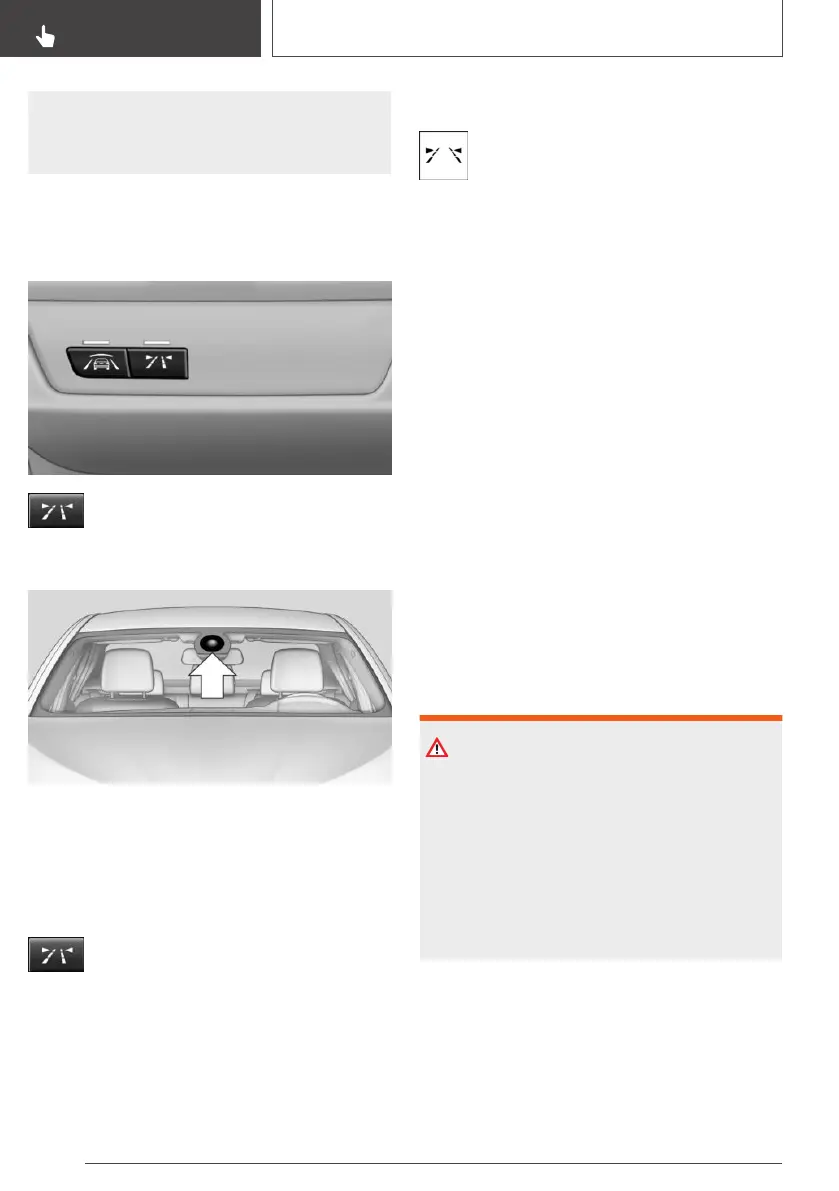
Button in the vehicle
Lane departure warning
Camera
The camera is installed near the interior mirror.
Keep the windshield in front of the interior mirror
clean and clear.
Switching on/off
Press the button.
▷ On: the LED lights up.
▷ Off: the LED goes out.
The setting is stored for the driver profile cur‐
rently used.
Display in the instrument cluster
▷ Lines: system is activated.
▷ Arrows: at least one lane marking was
detected and warnings can be issued.
Issued warning
If you leave the lane
If you leave the lane and if a lane marking has
been detected, the steering wheel vibrates.
If the turn signal is switched on before changing
the lane, a warning is not issued.
End of warning
The warning is canceled in the following situa‐
tions:
▷ Automatically after approx. 3 seconds.
▷ When returning to your own lane.
▷ When braking hard.
▷ When using the turn signal.
System limits
Safety information
Warning
The system is designed to operate in certain
conditions and circumstances. Due to condi‐
tions or other factors, the system may not re‐
spond. There may be a risk of accident or risk
of damage to property. Actively intervene as
warranted. Refer to the information in this Own‐
er’s Manual regarding the scope of the sys‐
tem’s operation and limitations.
Functional limitations
The system may not be fully functional in the fol‐
lowing situations:
▷ In heavy fog, wet conditions, or snowfall.
Seite 154
CONTROLS
Safety
154
Online Edition for Part no. 01402720665 - II/19



 To Next Page