DSC Dynamic Stability
Control
Concept
Within the physical limits, the system helps to
keep the vehicle on a steady course by reducing
engine speed and by applying brakes to the indi‐
vidual wheels.
General information
DSC detects the following unstable driving con‐
ditions, for instance:
▷ Fishtailing, which can lead to oversteering.
▷ Loss of traction of the front wheels, which
can lead to understeering.
Safety information
Warning
The system cannot serve as a substitute for the
driver’s personal judgment in assessing the
traffic conditions. Based on the limits of the
system, it cannot independently react to all traf‐
fic situations. There is a risk of accident. Adjust
driving style to traffic conditions. Watch traffic
closely and actively intervene where appropri‐
ate.
Warning
When driving with a roof load, for instance with
roof-mounted luggage rack, the vehicle's cen‐
ter of gravity is higher, which increases the risk
of the vehicle tipping in critical driving situa‐
tions. There may be a risk of accident or risk of
damage to property. Do not deactivate DSC
Dynamic Stability Control when driving with
roof load.
Overview
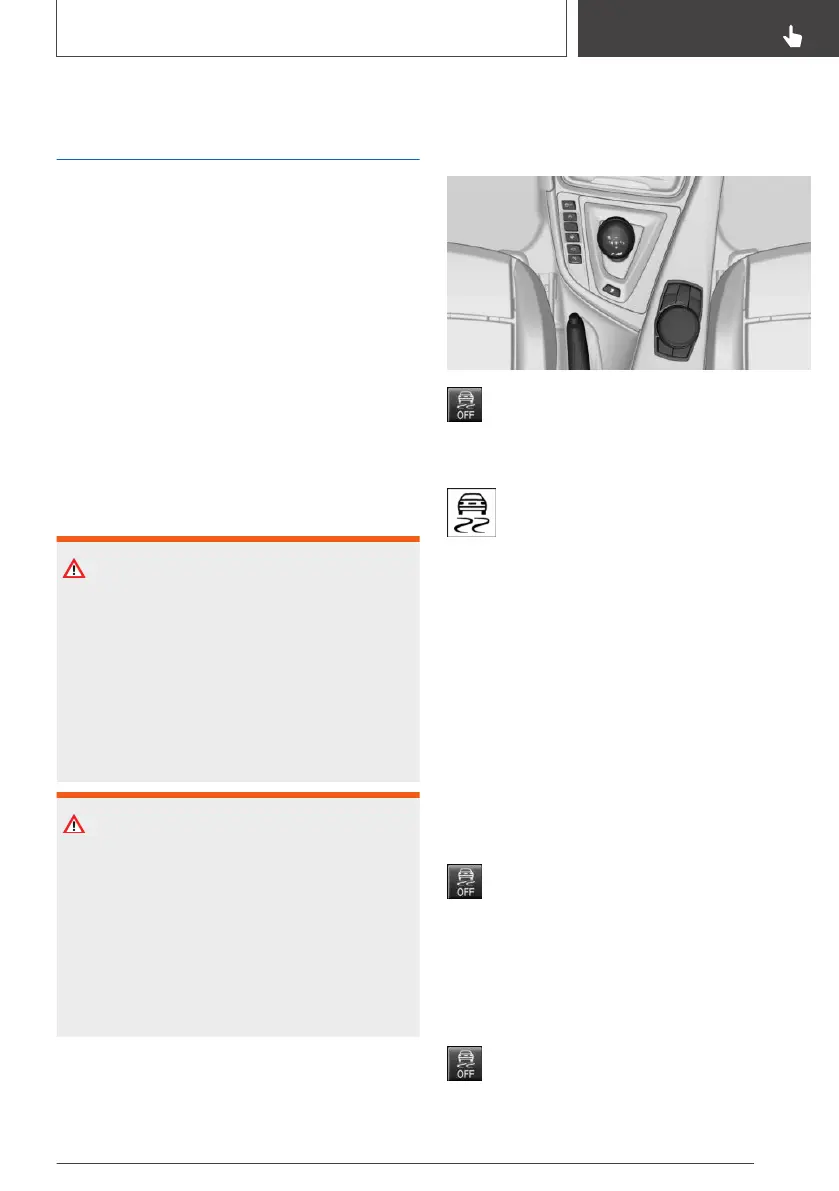
Button in the vehicle
DSC OFF button
Indicator/warning lights
The indicator light flashes: DSC controls
the drive and braking forces.
The indicator light lights up: DSC has
malfunctioned.
Deactivating DSC: DSC OFF
General information
When DSC is deactivated, driving stability is re‐
duced during acceleration and when driving in
curves.
To increase vehicle stability, activate DSC again
as soon as possible.
Deactivating DSC
Press and hold this button but not longer
than approx. 10 seconds, until the indicator
light for DSC OFF lights up in the instrument
cluster and displays DSC OFF.
DSC is switched off.
Activating DSC
Press the button.
Seite 159
Driving stability control systems
CONTROLS
159
Online Edition for Part no. 01402720665 - II/19



 To Next Page