Temporary display
Some Check Control messages are hidden auto‐
matically after approx. 20 seconds. The Check
Control messages are stored and can be dis‐
played again later.
Displaying stored Check Control
messages
Via iDrive:
1. "My Vehicle"
2. "Vehicle status"
3. "Check Control"
4. Select the text message.
Display
Check Control
At least one Check Control message is
displayed or stored.
Text messages
Text messages in combination with a icon in the
instrument cluster explain a Check Control mes‐
sage and the meaning of the indicator/warning
lights.
Supplementary text messages
Additional information, such as on the cause of
an error or the required action, can be called up
via Check Control.
With urgent messages the added text will be au‐
tomatically displayed on the Control Display.
Messages after trip completion
Certain messages displayed while driving are dis‐
played again after the ignition is switched off.
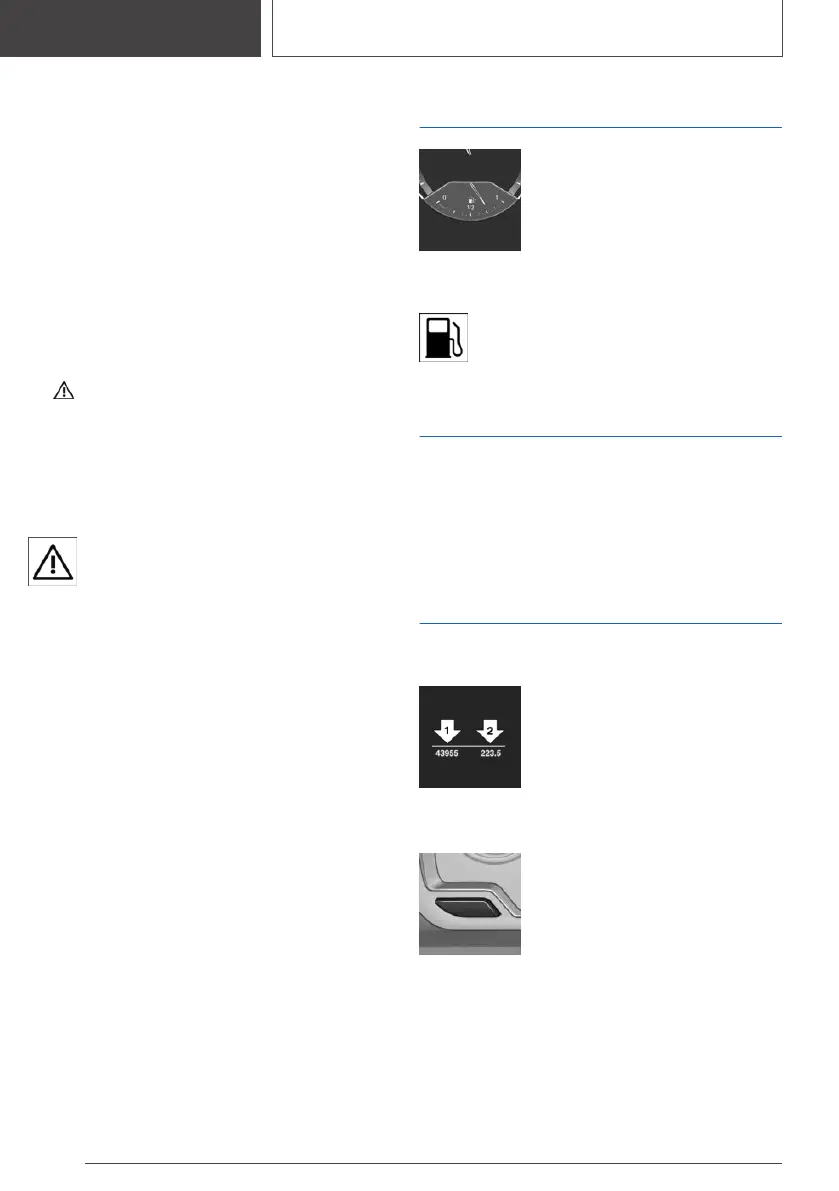
Fuel gauge
An arrow beside the fuel pump
icon shows which side of the ve‐
hicle the fuel filler flap is on.
Vehicle tilt position may cause the
display to vary.
Follow the information on refueling.
The yellow indicator light illuminates,
once the fuel reserve is reached.
Tachometer
Always avoid engine speeds in the red warning
field. In this range, the fuel supply is reduced to
protect the engine.
Odometer and trip
odometer
Display
▷ Odometer, arrow 1.
▷ Trip odometer, arrow 2.
Showing/resetting miles
Press the button.
▷ When the ignition is switched
off, the time, the outside tem‐
perature and the odometer are
displayed.
▷ When the ignition is switched on, the trip od‐
ometer is reset.
Seite 126
CONTROLS
Displays
126
Online Edition for Part no. 01405A2CF16 - II/21









 To Next Page