Overview
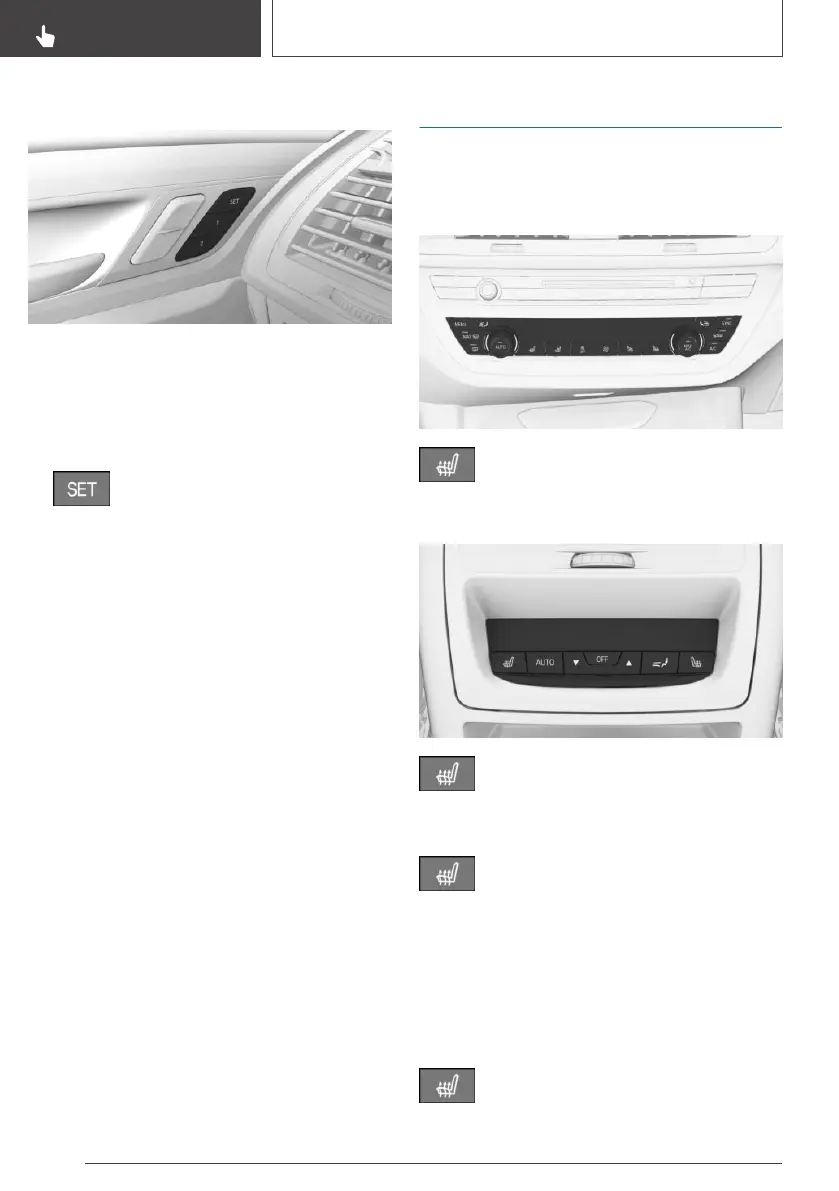
The memory buttons are located on the front
doors.
Storing
1.
Set the desired position.
2.
Press button. The writing on the but‐
ton lights up.
3. Press desired button 1 or 2 while the LED is
lit. A signal sounds.
Calling up settings
The stored position is called up automatically.
Press selected button 1 or 2.
The procedure stops when a switch for setting
the seat is pressed or one of the memory but‐
tons is pressed again.
While driving, the seat position adjustment on
the driver's side is interrupted after a short time.
Seat heating
Overview
Front
Seat heating
Rear
Seat heating
Switching on
Press button once for each temperature
level.
Highest level if three bars are shown on the cli‐
mate control display.
When ECO PRO is activated, refer to page 280,
the heater output is reduced.
Switching off
Press button and hold until bar display
on the climate control display goes out.
Seite 112
CONTROLS
Seats, mirrors, and steering wheel
112
Online Edition for Part no. 01402989843 - II/18



 To Next Page