Menu items in the Owner's
Manual
In the Owner's Manual, menu items that can be
selected are set in quotation marks, for instance
"iDrive settings".
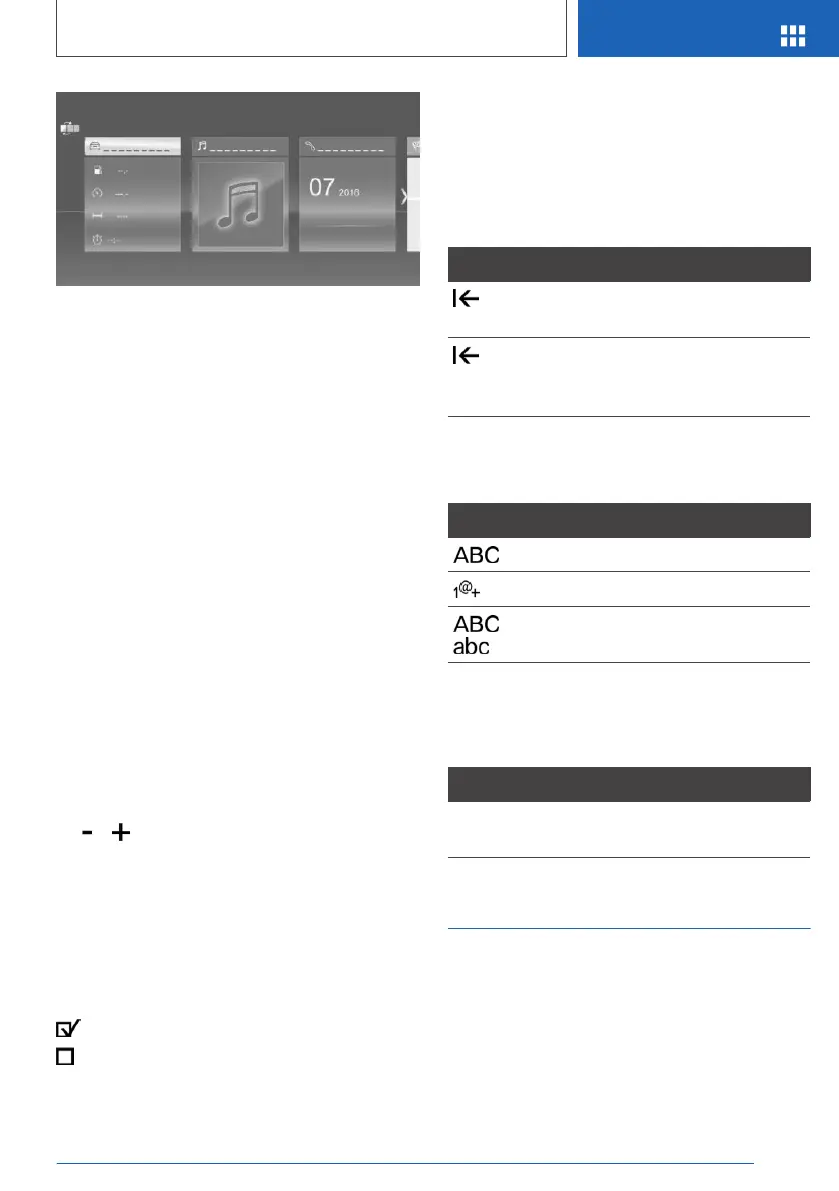
Changing between displays
After a menu item is selected, a new display
opens.
A white arrow indicates that additional displays
can be called up.
▷ Swipe to the left.
▷ Tap on symbol.
New display is opened.
Changing settings
Settings such as volumes can be changed via
the touchscreen.
▷ Slide in the selected field to the right or left,
until the desired setting is displayed.
▷ , Tap on symbol.
Activating/deactivating the
functions
Several menu items are preceded by a check‐
box. The checkbox indicates whether the func‐
tion is activated or deactivated. Selecting the
menu item activates or deactivates the function.
Function is activated.
Function is deactivated.
Entering letters and numbers
General information
Letters and numbers can be entered using the
Controller or the touchscreen.
The keyboard's display changes automatically.
Symbol Function
Tapping the symbol: delete the letter
or number.
Tapping and holding the symbol for
an extended period: delete all letters
or numbers.
Switching between upper/lower
case, numbers and characters
Symbol Function
Enter the letters.
Enter the numbers.
or
Change between capital and
lower-case letters.
Operating navigation map
The navigation map can be moved with the
touchscreen.
Function Operation
Enlarge/shrink
map.
Drag in or out with the fin‐
gers.
Touchpad
General information
Some iDrive functions can be operated using the
touchpad on the Controller.
Seite 49
iDrive
AT A GLANCE
49
Online Edition for Part no. 01402989843 - II/18



 To Next Page