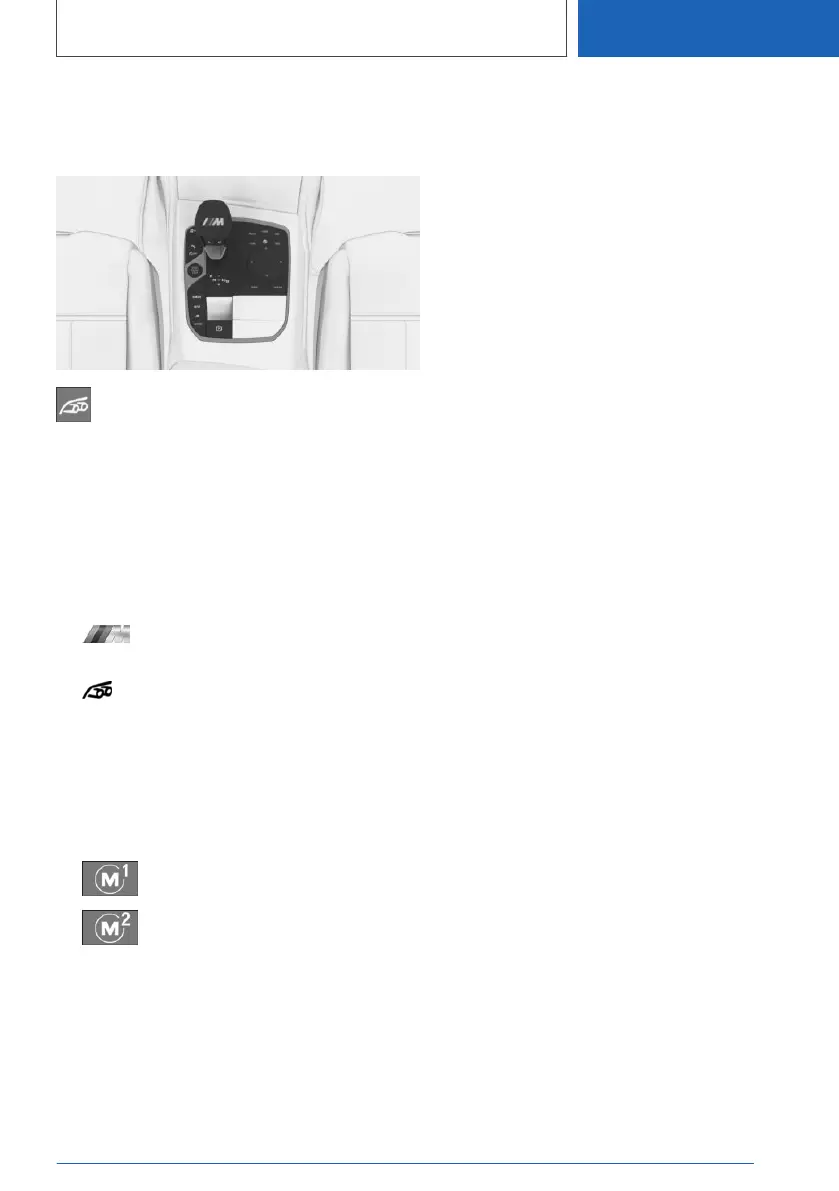
Selecting a program
Using the button
Press button to activate or deactivate the
sound control.
The LED lights up when sound control is
switched on.
Via iDrive
It is possible to configure the required program
for buttons M1 or M2.
1.
"CAR"
2. "M menu"
3. "Configure M1" or "Configure M2"
4. "Sound Control"
5. Select the desired program.
The setting is immediately applied with active
M1 or M2 configuration.
To activate the desired configuration with the se‐
lected settings, press the corresponding button
on the steering wheel:
▷
▷
Seite 151
Driving
CONTROLS
151
Online Edition for Part no. 01405A37822 - VI/21



 To Next Page